Patreon Alternative (2026): Build Memberships on WordPress
What you gain and what you give up when you move your Patreon tiers to your own WordPress site, plus a step-by-step plan to bring patrons with you.

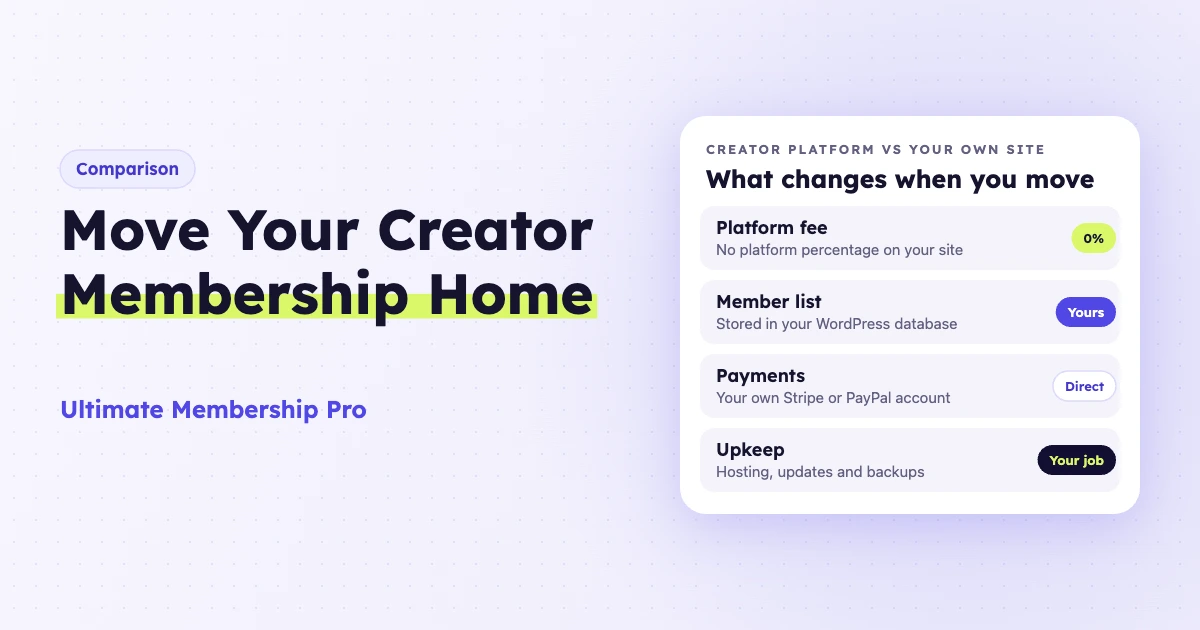
The best Patreon alternative for creators who want full control is a membership site on your own WordPress domain. You set the tiers, keep the member list, choose the payment processor and stop paying a platform’s share of each pledge. In return, you give up Patreon’s app, its built-in discovery and its hands-off setup.
A Patreon alternative is any platform or tool that lets fans pay you a recurring amount for exclusive content, perks or community. The options fall into two groups: hosted platforms that work like Patreon with different fees, and self-hosted sites where you run the membership yourself. This guide compares both and shows how to move patrons without losing them.
Why do creators look for a Patreon alternative?
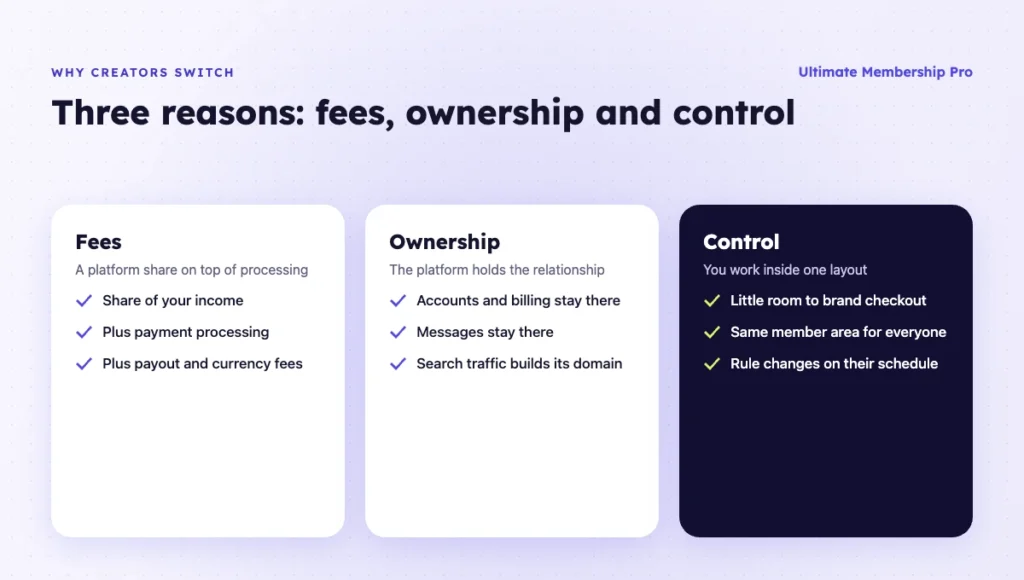
Most creators look for a Patreon alternative for three reasons: fees, ownership and control. Patreon is easy to start with, and that ease has a cost once your income grows.
- Fees grow with your income. As of October 2026, Patreon’s pricing page lists a platform fee of 10% of the income you earn on Patreon, plus payment processing, currency conversion and payout fees, and applicable taxes. Pages launched before August 4, 2025 may keep an older legacy rate. On your own site, that 10% goes away. You still pay your payment processor.
- The platform owns the relationship. Patrons sign up to Patreon, log in to Patreon and pay Patreon. You can export a contact list, but billing, accounts and messages stay on the platform.
- Limited design and branding. Creator pages share one Patreon layout, with little room to change the checkout or the member area.
- Platform rules and changes. Policy, fee or app changes apply to every creator at once. You adapt to them on the platform’s schedule.
- Search traffic goes to the platform. Posts on Patreon build Patreon’s domain. Public posts on your own site build yours.
None of this makes Patreon a bad choice. It is a good place to test whether people will pay you at all. The question is whether it is still the right place once they do.
Patreon vs your own WordPress site: how do they compare?
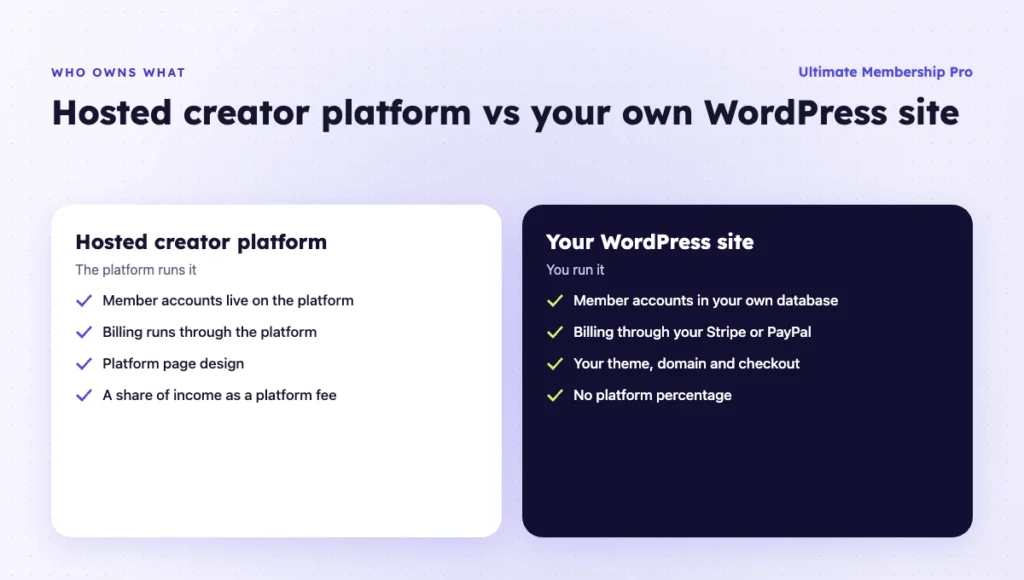
Patreon is faster to start and takes a share of every payment. A self-hosted Patreon alternative on WordPress takes more setup and gives you full ownership. The table compares the points creators ask about most.
| Patreon | Your own WordPress site | |
|---|---|---|
| Platform fee | 10% of income, plus processing, currency conversion and payout fees (as of October 2026) | No Patreon share; you pay your payment processor, hosting and plugin plan |
| Member list | Lives on Patreon; contact list can be exported as CSV | Lives in your WordPress database; you own every account |
| Design and brand | Patreon page layout with limited changes | Your theme, your domain, your checkout and member area |
| Payments | Handled by Patreon | Your own Stripe, PayPal or other gateway account |
| Payouts and currency | You withdraw to a bank, PayPal or Payoneer for a payout fee (for example $0.25 per US direct deposit or 1% via PayPal); 2.5% conversion fee when a patron pays in another currency (as of October 2026) | Your gateway sends money to your bank on its own schedule; Stripe says the first payout usually takes 7 to 14 days. Currency conversion follows your gateway’s rates |
| Mobile app | Patreon apps for iOS and Android | No app; members use your site in a mobile browser |
| Community | Posts and comments on the Patreon platform | Comments on your site, or a forum or community tool you add |
| Discovery | Some fans find you through the platform | You bring all traffic yourself (search, social, email) |
| Maintenance | None; Patreon runs everything | Hosting, updates and backups are your job |
If you want the bigger picture on recurring revenue models, this overview of the subscription business model explains how pricing and retention work together.
How much would you keep on each platform?
At $5,000 a month, moving from Patreon to your own site keeps about $465 more each month in this example, before hosting and your plugin plan. The table is a worked example, not a quote: it assumes a $10 average monthly pledge and card processing of 2.9% + 30¢ per payment for every option, which is Stripe’s standard US card rate and Patreon’s card rate on its standard plan.
| Option (fees as of October 2026) | Fees at $1,000/month (100 members) | You keep | Fees at $5,000/month (500 members) | You keep |
|---|---|---|---|---|
| Patreon (10% + processing) | $159 | $841 | $795 | $4,205 |
| Substack (10% + Stripe + 0.5% on recurring) | $164 | $836 | $820 | $4,180 |
| Memberful Standard ($49/month + 4.9% + processing) | $157 | $843 | $589 | $4,411 |
| Ko-fi free account (5% on memberships + processing) | $109 | $891 | $545 | $4,455 |
| Ko-fi Gold ($12/month, 0% platform fee + processing) | $71 | $929 | $307 | $4,693 |
| Own WordPress site with Stripe (processing + 0.7% Stripe Billing fee) | $66 | $934 | $330 | $4,670 |
The example leaves out taxes, currency conversion and payout fees, which vary by country. Your own site also has fixed costs: hosting and an annual plugin plan, which stay the same as revenue grows. Stripe lists its 0.7% Billing fee separately from card fees, so check how your subscriptions are billed before you compare.
Two things stand out. At low revenue, the difference between options is small, so convenience matters more than fees. At higher revenue, a percentage fee becomes the biggest cost, and a flat-fee or self-hosted Patreon alternative keeps more of each pledge.
What other hosted Patreon alternatives are there?
Hosted Patreon alternatives work like Patreon with different fee models, and they suit you if you want to avoid running a website. Fees below were checked on each platform’s own site as of October 2026.
| Platform | Fee model (as of October 2026) | Best for | Main limitation |
|---|---|---|---|
| Ko-fi | No Ko-fi fee on tips; 5% on memberships, shop and commissions on a free account; Gold costs $12/month with a 0% platform fee | Tips and small memberships | Your page follows Ko-fi’s layout |
| Buy Me a Coffee | 5% transaction fee; creators keep 95% | A tip jar with a simple monthly membership | The 5% applies to every payment as you grow |
| Memberful | Standard plan $49/month plus a 4.9% transaction fee | Hosted billing connected to your own site | You pay a monthly fee and a percentage |
| Substack | Free for free newsletters; 10% on paid subscriptions plus Stripe fees | Writers whose product is a newsletter | Same 10% share as Patreon |
| Ghost (hosted) | Paid subscriptions from the Publisher plan at $29/month billed yearly; no Ghost transaction fee, Stripe fees apply | Publishers who want a site and newsletter with no revenue share | Paid memberships are not on the cheapest Starter plan |
| Podia | Mover $42/month billed yearly with 5% fees; Shaker $84/month billed yearly with no fees | Creators who also sell courses and downloads | A monthly cost before you earn anything |
| Gumroad | No monthly fee; 10% + 50¢ per direct sale, 30% on sales through its Discover marketplace | Digital products with an occasional membership | The percentage gets expensive as revenue grows |
| Kajabi | From $179/month on monthly billing, less when billed yearly; no revenue share, card processing applies | Course businesses that want a built-in community | The highest fixed cost on this list |
Each hosted option still takes a percentage, a monthly fee or both, and each keeps part of the member relationship on its side. A self-hosted WordPress site is the Patreon alternative where you own the accounts, the design and the payment relationship.
When should you stay on Patreon?
Stay on Patreon if your membership is small, you have no time to run a website, or many of your patrons found you through the platform. In those cases, the 10% fee buys you time and convenience. A Patreon alternative pays off once your income is steady and most new fans come from your own channels.
You can also run both for a while. Keep Patreon for existing patrons and use your own site for new members. Once most new sign-ups happen on your site, you can decide whether to close the Patreon page.
What should a Patreon alternative include?
A Patreon alternative should cover everything your members use today, or you risk losing them in the move. List those features first, then check each option against them. These are the basics:
- Tiers with recurring billing. Monthly and yearly plans, plus a free tier for followers who are not ready to pay.
- Content locking by tier. Posts, files and videos that only the right tiers can see, with a few public samples.
- Payments to your own account. A processor such as Stripe or PayPal that pays you directly, so you control refunds and payouts.
- A member account page. One place where members see their plan, update their details and cancel without emailing you.
- Email. Welcome and renewal emails, and a way to keep members in sync with your newsletter tool.
- Community. Comments or a forum where members can talk to you and each other, if your patrons use that today.
If an option misses one of these, check whether an add-on or a separate tool fills the gap, and add that cost to your comparison.
How do you build a self-hosted Patreon alternative on WordPress?
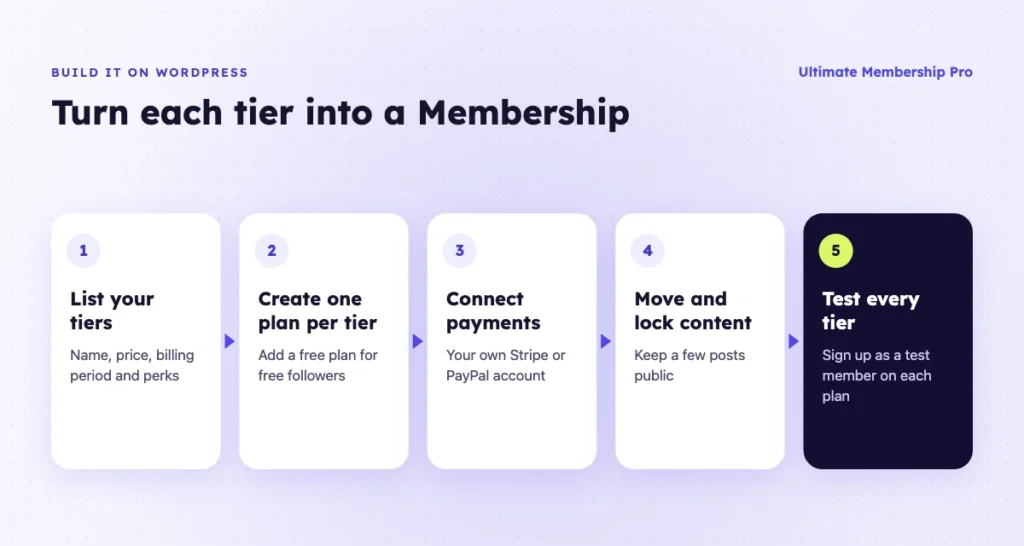
You recreate each Patreon tier as a membership plan on your site, lock the right content to each plan and connect a payment gateway. Here are the steps.
- List your current tiers. Write down each tier’s name, price, billing period and perks. Note which posts, files or videos each tier can see.
- Set up WordPress and a membership plugin. Pick hosting, a theme and a plugin that supports free and paid plans with recurring billing.
- Create one plan per tier. Match names and prices so patrons recognize them. Add a free plan if you have free followers on Patreon.
- Connect payments. Connect your own Stripe or PayPal account so payments go straight to you.
- Move and lock your content. Republish your best posts and lock each one to the right plans. Keep a few public so new visitors can see your work.
- Set up the member area. Give members one place to see their plan, invoices and the content they can access.
- Test every tier. Sign up as a test member on each plan and check what you can and cannot see.
With Ultimate Membership Pro for creators, each tier becomes a Membership, free or paid, billed monthly, yearly or once, with optional free or paid trials. You can lock whole posts or only the part after an intro, drip content after someone joins, let fans choose what to pay within a range you set, and sell Memberships as gifts.
Members can renew or cancel from their account page, and you can pause or resume a Stripe Connect subscription. See the subscription and billing options for details. Ultimate Membership Pro is sold as annual plans (Pro, Full Package and Agency), listed on the pricing page.
Payments go through your own gateway account. For reference, Stripe lists 2.9% + 30¢ per successful domestic card transaction in the United States on its pricing page (as of October 2026). Check the current rate for your country, and check whether your membership plugin adds a transaction fee of its own before you switch.
How do you move patrons without losing them?
Treat the move to your Patreon alternative as a launch. Give patrons a reason to switch, a clear date and a simple path. Expect some people to stay on Patreon, and plan a transition period so nobody loses access overnight.
Export your contacts
Patreon lets creators download a CSV of contacts from the Relationship Manager, filtered by paid, free, active or canceled. You can use that list to email patrons about the move and, if you want, to create their accounts on your site.
Get migration help, then import accounts
The Ultimate Membership Pro support team helps you migrate with its own tools; ask them how your active recurring subscriptions will be handled for your payment gateway.
For the standard route, Ultimate Membership Pro can import members from a CSV file with a Membership and start and expiry dates. Imported Memberships do not create gateway subscriptions on their own, so agree on a billing plan before you announce the move.
Plan the switch
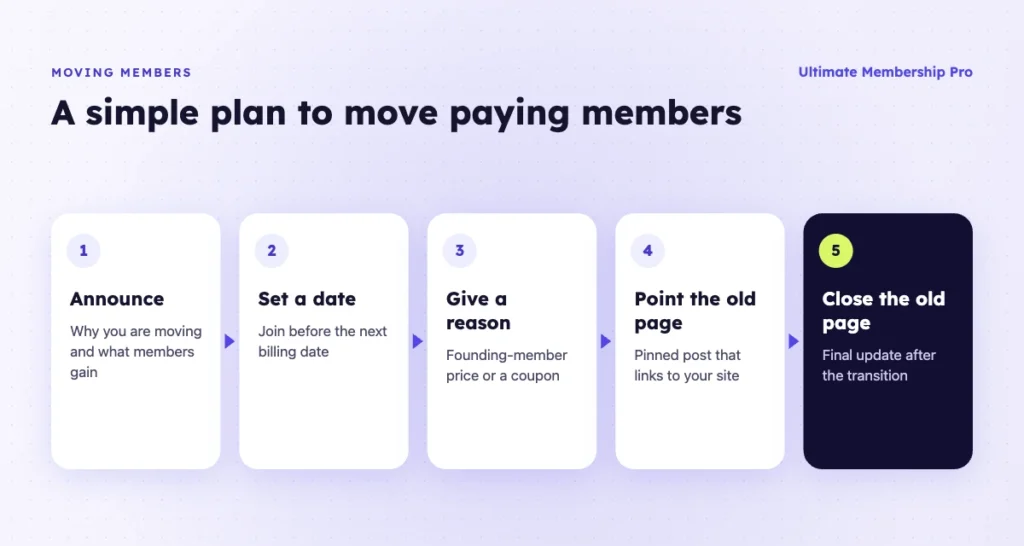
- Announce the move on Patreon and by email, with the reason and the benefit to patrons (for example, a bonus or a better member area).
- Give a date. If patrons join on your site, ask them to do it before their next Patreon billing date and then cancel on Patreon, so nobody pays twice.
- Offer a founding-member price or a coupon for patrons who move.
- Keep the Patreon page open with a pinned post that points to your site.
- After the transition period, post your final update on Patreon and stop new pledges there.
For more ways to earn from your site once members arrive, see these ways to monetize a WordPress site.
Ready when you are
Turn visitors into paying members with Ultimate Membership Pro
Launch your membership website, protect exclusive content and automate subscription payments, all in one WordPress plugin.
- 14-day money-back guarantee
- Unlimited members
Frequently asked questions
Can I use WordPress instead of Patreon?
Yes. A WordPress site with a membership plugin works as a Patreon alternative: it can sell recurring tiers, lock posts and files to paying members and take payments through Stripe or PayPal. You get your own domain, design and member list. You also take on hosting, updates and bringing in your own traffic, which Patreon handles for you.
What is the best Patreon alternative?
It depends on how much control you want. Ko-fi and Buy Me a Coffee suit tips and small memberships, Substack and Ghost suit writers, and Podia, Gumroad and Kajabi suit creators who also sell products or courses. A self-hosted WordPress membership site takes more setup, and in return you own the member list, the design and the payment relationship.
How much does Patreon take?
As of October 2026, Patreon’s pricing page lists a platform fee of 10% of the income you earn on Patreon for new pages. Payment processing, currency conversion and payout fees, and applicable taxes, are charged on top. Pages launched before August 4, 2025 may keep a legacy rate. Check Patreon’s pricing page before you compare.
Can I move my patrons to my own site?
Yes. You can export your contacts from Patreon as a CSV and email them about the move. The Ultimate Membership Pro support team helps you migrate with its own tools; ask them how your active recurring subscriptions will be handled for your payment gateway. The standard CSV import brings in accounts and Memberships with their dates, without payment details.
Can I keep Patreon and my site at the same time?
Yes. You can run both during a transition. Keep existing patrons on Patreon, send new members to your site, and offer a bonus for switching. Make sure the same content is not cheaper on one platform, and ask patrons to cancel on Patreon after they join your site so they do not pay twice.
What do I need to run memberships on WordPress?
You need a domain, WordPress hosting, a theme, a membership plugin with recurring billing and a payment gateway account such as Stripe or PayPal. An email marketing tool helps with announcements. Plan time each month for updates, backups and member support.