Membership Forums: Should You Get One? And If Yes, How?

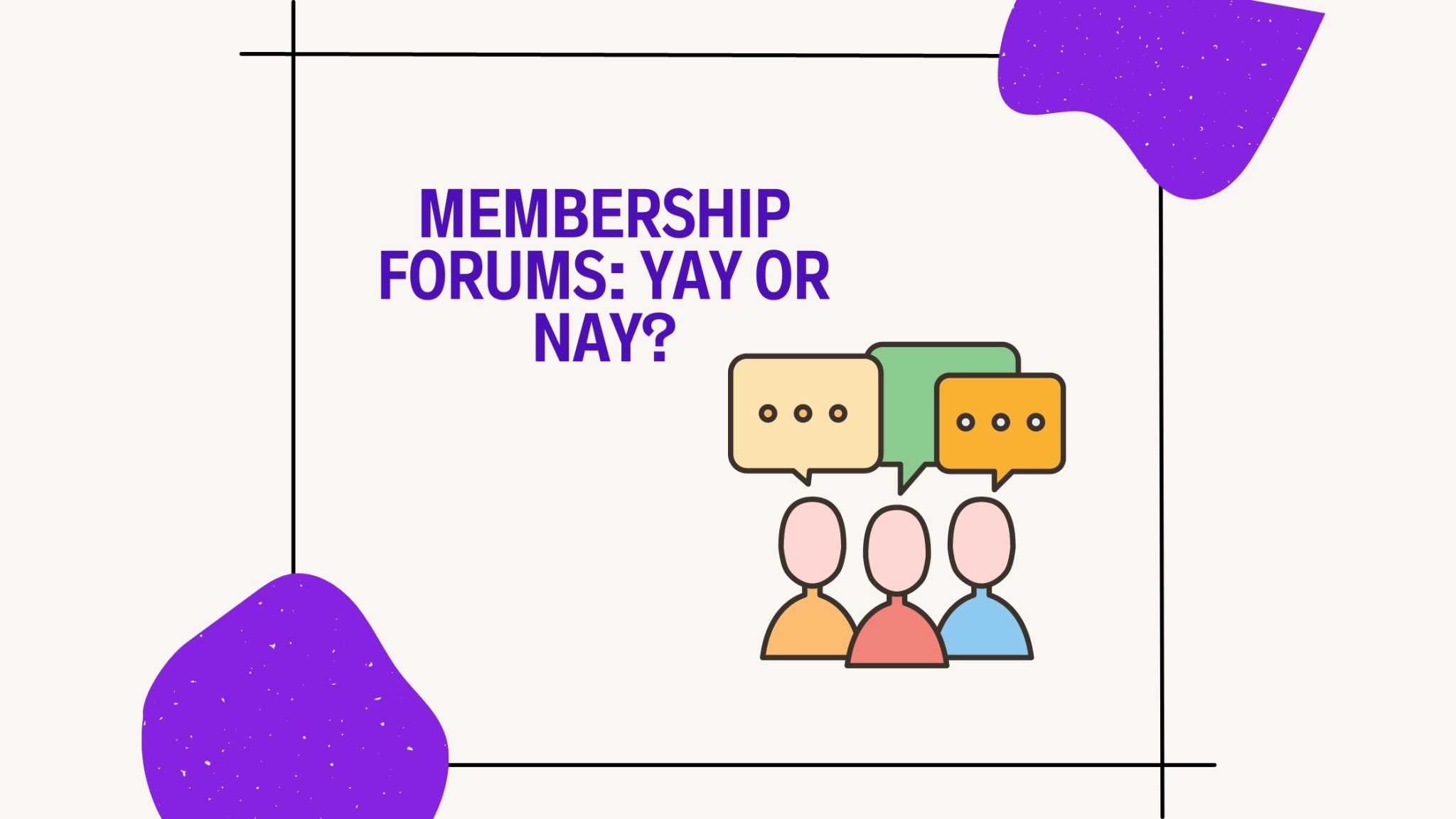
A membership forum is a private discussion board that only your members can open. It’s worth adding when you have enough active members to keep conversations going and you want a community you control, instead of a social media group. On WordPress, you can build one with bbPress or BuddyPress and keep it members-only with a membership plugin.
Although social media giants seemed to replace old-fashioned forums, forums are making a comeback. There are many reasons why membership forums are popular again, and many reasons you might want one on your membership site too.
Why would you add one? And if you decide to do it, how do you set it up? Read on to find out.
Why Would You Want a Membership Forum?
It might seem like online forums are a thing of the past, but they can be incredibly valuable for your membership site. Here’s why:
Social media is too large
Social media is considered to be the more modern offspring of online forums. However, the most well-known social media sites have several issues:
- They are too large for real communities to form (even in close-knit spaces such as Facebook groups)
- They have issues regarding data collection, cookies, and advertising (as their entire model is built on collecting data about users and serving them with seemingly suitable ads)
- It’s hard for a membership site owner to cut through the noise
- They are often public, which may make community members feel exposed
Membership forums offer a dialogue-based alternative to social media. No frills, no fuss, just discussing the topic of interest. And if you need any proof of how social media has not taken over online forums, think of how popular Reddit is. People go there for information, so why not create a similar forum for your members focused on your specific niche?
No spam, just value
Online forums can be a goldmine for people interested in a specific topic. Instead of searching their questions on Google (and finding general answers to their questions), they can go to an online forum and discuss their issues with other people interested in the same topic. This type of interaction is very human and is much preferred to searching for answers online, particularly when you’re looking for people who’ve had the same experience or question as you.
Plus, membership forums are far less likely to be spammed with ads and other unwanted content. With some moderation, you can keep membership forums clean, tidy, and in line with your own views of what’s appropriate and what isn’t.

Creating a community around your site
Membership forums are a great way to build a real community around your site and content, which is the heart of any community membership. People can connect with each other, share their experiences, ask questions, give advice, and generally just chat about the topic. This adds a social layer to your membership site that can be incredibly valuable for members and you, as the owner.
Giving members a chance to connect
People are social, even online. A membership forum lets your members connect on a deeper level. They can exchange ideas, ask questions, and support each other in whatever they’re pursuing related to your content or niche. Members who form relationships with other members have one more reason to stay, which makes a forum a practical way to boost member retention and make people feel part of a community.

Improved engagement for your content
Membership forums are also a great way to promote your content without making it feel like a pushy move. You can start discussions about your content, answer related questions, and generally just create a dialogue around the topics of interest. This is far more organic than other methods of promotion or engagement, and people will likely appreciate being able to connect with each other through your membership site.
An additional channel for your customer support
Having a membership forum can also be a great way to handle customer support. If someone needs help with something related to your content, they can ask questions in the forum, and other members will likely come to the rescue. This is especially helpful if you’re unable to provide customer support yourself or if it’s an issue that other people have dealt with in the past.
Generate new content ideas
User-generated content is always a great source of inspiration and ideas. By having a membership forum, you can get a better understanding of what your members are interested in and use that to determine new content ideas. Plus, this is a great way to create additional content for your membership site without spending too much time researching or creating something from scratch.

Building authority in your niche
The more laser-focused, clean, and value-driven your membership forum is, the more likely you’ll attract experts to it. And when that happens, your entire membership site will be associated with industry authority, adding value to your overall offering.
Membership Forum vs. Social Media Group
A free Facebook group is the obvious alternative to a forum on your own site. Here’s how the two compare:
| Membership forum on your site | Social media group | |
|---|---|---|
| Who owns the space | You: your site, your data, your rules | The platform, which can change its rules or features at any time |
| Access | Only members, by Membership or login | Usually anyone who requests to join or is approved |
| Ads and distractions | None, unless you add them | Feeds, notifications, and ads compete for attention |
| Finding old answers | Organized in categories and topics, easy to search | Posts get buried in the feed |
| Effort to start | Install and set up a forum plugin | Create a group in minutes |
If the community is part of what members pay for, a forum on your own site is usually the better fit. A social group can still work as a free, public top of the funnel that points people to your membership.
How to Set Up a WordPress Membership Forum
If you’ve decided a membership forum is for you, the good news is that setting one up on WordPress is fairly easy. You need two things: forum software and a membership plugin that controls who can open it.
1. Choose your forum software
The two most common free options on WordPress are:
- bbPress: free forum software built for WordPress, with forums, topics, and replies.
- BuddyPress: not a forum builder as such, but a social network for your site, where members get profiles, can add each other as friends, send private messages, and join groups. Many sites use BuddyPress together with bbPress to add forums.
For more options, see this roundup of WordPress community plugins.
2. Make the forum members-only
Forum plugins don’t take payments or decide who can see what by plan. That’s the job of a membership plugin. With Ultimate Membership Pro, you can restrict content by Membership in two ways:
- All forums at once: one access rule based on the forum address (such as /forums/) covers every bbPress forum, topic, and reply. BuddyPress groups and profiles can be locked the same way.
- Some forums only: lock individual forums and their topics, so a public forum can sit next to a private one, or a premium Membership gets its own forum.
Visitors without access are sent to the page you choose, such as your pricing or sign-up page. The documentation explains how to set up members-only forums step by step.
3. Connect member profiles and accounts
If you use BuddyPress, members shouldn’t have to look in two places for their profile and their subscription. Ultimate Membership Pro can show its member portal as a tab in each member’s BuddyPress profile, where they see their Memberships, renew, and print invoices.
4. Write the rules and seed the first discussions
An empty forum puts people off. Before you open it:
- Publish short community guidelines and decide who moderates.
- Start with a few focused categories instead of a dozen empty ones.
- Post a welcome thread where new members introduce themselves, plus a few discussion starters.
- Invite a handful of active members to post first, so newcomers find conversations, not silence.
5. Tell members the forum exists
Link the forum in your member area menu, mention it in your welcome membership email, and share the best threads in your newsletter. Everything above is code-free, so you don’t have to learn to program to get your forum running.
Conclusion: Is a Membership Forum Worth It?
Membership forums are not for everyone. But if you want to:
- Create a sense of community around your membership site
- Improve engagement with your content
- Provide additional customer support and learning opportunities
- Generate new content ideas
- Build authority in your niche
…then adding a membership forum to your site is the way to go. With a forum plugin and a membership plugin, you can create a community of experts and loyal members that benefits your membership site in more ways than one.
Keep in mind that a forum comes with responsibility, too: you need to moderate it, make sure everyone follows the rules, and help all members feel respected. You also need enough members to actually start conversations, so if you’re just getting started with your membership site, you might want to wait a bit before you open your forum.
All in all, a membership forum can be a great asset to your membership site, and it’s well worth considering.
Frequently asked questions
What is a membership forum?
A membership forum is a discussion board on your website that only members can open. Members post questions, share experiences, and reply to each other in organized categories and topics. It is often included in a paid membership as a community perk, next to courses, articles, or other members-only content.
Is a membership forum better than a Facebook group?
It depends on your goal. A forum on your own site gives you control over access, data, and moderation, keeps old answers easy to find, and has no ads or feeds competing for attention. A Facebook group is quicker to start and easier to discover, so some creators use it as a free community that points people to a paid membership.
How do I create a members-only forum in WordPress?
Install forum software such as bbPress, or BuddyPress with bbPress, and create your forums. Then use a membership plugin to restrict them. In Ultimate Membership Pro, one access rule for the forum address covers every forum, topic, and reply, or you can lock individual forums for the Memberships you choose.
Can I give different membership levels access to different forums?
Yes. With a membership plugin that restricts content by level, you can keep a general forum open to all members and reserve another forum for a premium plan. In Ultimate Membership Pro, you lock each private forum and its topics for the Memberships that should see them, and send everyone else to an upgrade page.
Ready when you are
Turn visitors into paying members with Ultimate Membership Pro
Launch your membership website, protect exclusive content and automate subscription payments, all in one WordPress plugin.
- 14-day money-back guarantee
- Unlimited members
You May Also Like
How to Send a Membership Email and Invite Someone into Your Community
Elementor Membership Plugin: How to Choose and Use One
Divi Membership Plugin: How to Build a Divi Membership Site (and Which Plugin to Choose)
WordPress Restrict Content: 5 Plugins to Consider for Your Membership Site
Starting a Membership Business: 8 Things No One Tells You
Subscription Fatigue: What It Is, Why It Matters, and How to Fight It