
In Ultimate Membership Pro, the Weekly Summary Email module sends you a short report every Monday with the numbers of the last 7 days: how many orders were completed, how much revenue they brought in and how many subscriptions started. You see how the week went without opening the dashboard.
This guide switches the module on and explains what the email contains and who gets it.
Before you start
- Your license is active. Modules only switch on with an active license; see Find and activate your license key.
- The admin addresses are set in Notifications Settings. See Change the sender name and email.
- WP-Cron runs on your site. The report is sent by a weekly scheduled task.
Switch on the module
- Go to Ultimate Membership Pro›Modules and open Weekly Summary Email (in the Notifications & Marketing group).
- Switch on Activate/Hold Weekly Summary Email and click Save Changes.
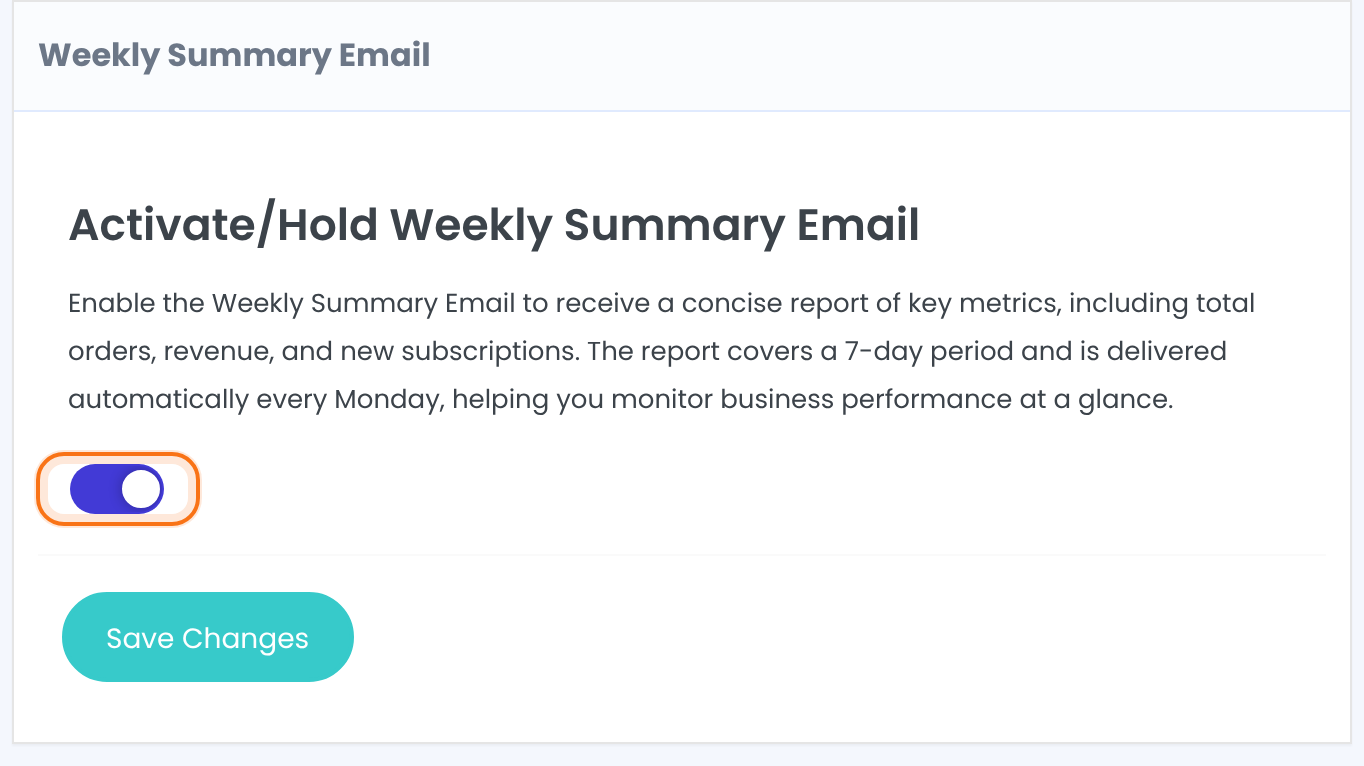
The first report goes out on the next Monday (the same day, if you switch it on on a Monday), then every 7 days. Switching the module off removes the schedule.
What the email contains
Ultimate Membership Pro Your summary report for last week followed by your site address.
Orders with the Completed status created in the last 7 days.
The total of those Completed orders, in your main currency.
Member subscriptions activated or updated in the last 7 days.
The Admin Email Address list in Notifications Settings, or the WordPress admin email when that list is empty.
Good to know
- The report is a fixed, plain email: there is no template to edit and it isn’t listed in Email Notifications or Notification Logs.
- It doesn’t use the sender name and address from Notifications Settings; it comes from the WordPress default sender.
- Pending, refunded or failed orders are not counted.
More detail
For charts, longer periods and other numbers, open Ultimate Membership Pro›Reports. See Read your membership reports.
Example: Monday report for Coaching Club
- Activate/Hold Weekly Summary Email
- On
- Admin Email Address
- owner@example.com, support@example.com
- New Orders:
- 12
- Total Revenue collected:
- $228.00
- New Subscriptions:
- 9
Troubleshooting
Why didn’t the weekly report arrive on Monday?
Check that the module is on and that WP-Cron runs on your site: the report is sent when the weekly task runs, which needs visits or a server cron job. Check the spam folder too, because the report comes from the WordPress default sender.
Can I change the day or the content of the report?
No. The report always covers the last 7 days, starts on a Monday and has the three numbers listed above.
Why is the revenue lower than the orders I see?
Only Completed orders are counted. Orders that are still pending or were refunded are left out.


