
An Ultimate Membership Pro license is activated for one site domain. To use it somewhere else, for example when you move from a staging site to the live one, you free it on the old site first and then activate it on the new one.
This guide covers both ways to free a license and the activation on the new site.
Before you start
- You know which site currently uses the license. The Licenses tab of your account on ultimatemembershippro.com lists the sites.
- Ultimate Membership Pro is installed on the new site. See Install Ultimate Membership Pro.
Choose how to free the license
From the plugin
- Use when
- You can still log in to the old site
- Where
- Ultimate Membership Pro›Licensing
From your account
- Use when
- The old site is gone or you can’t log in
- Where
- Account › Licenses › Manage Sites
Revoke the license on the old site
- On the old site, go to Ultimate Membership Pro›Licensing.
- Click Revoke the License.
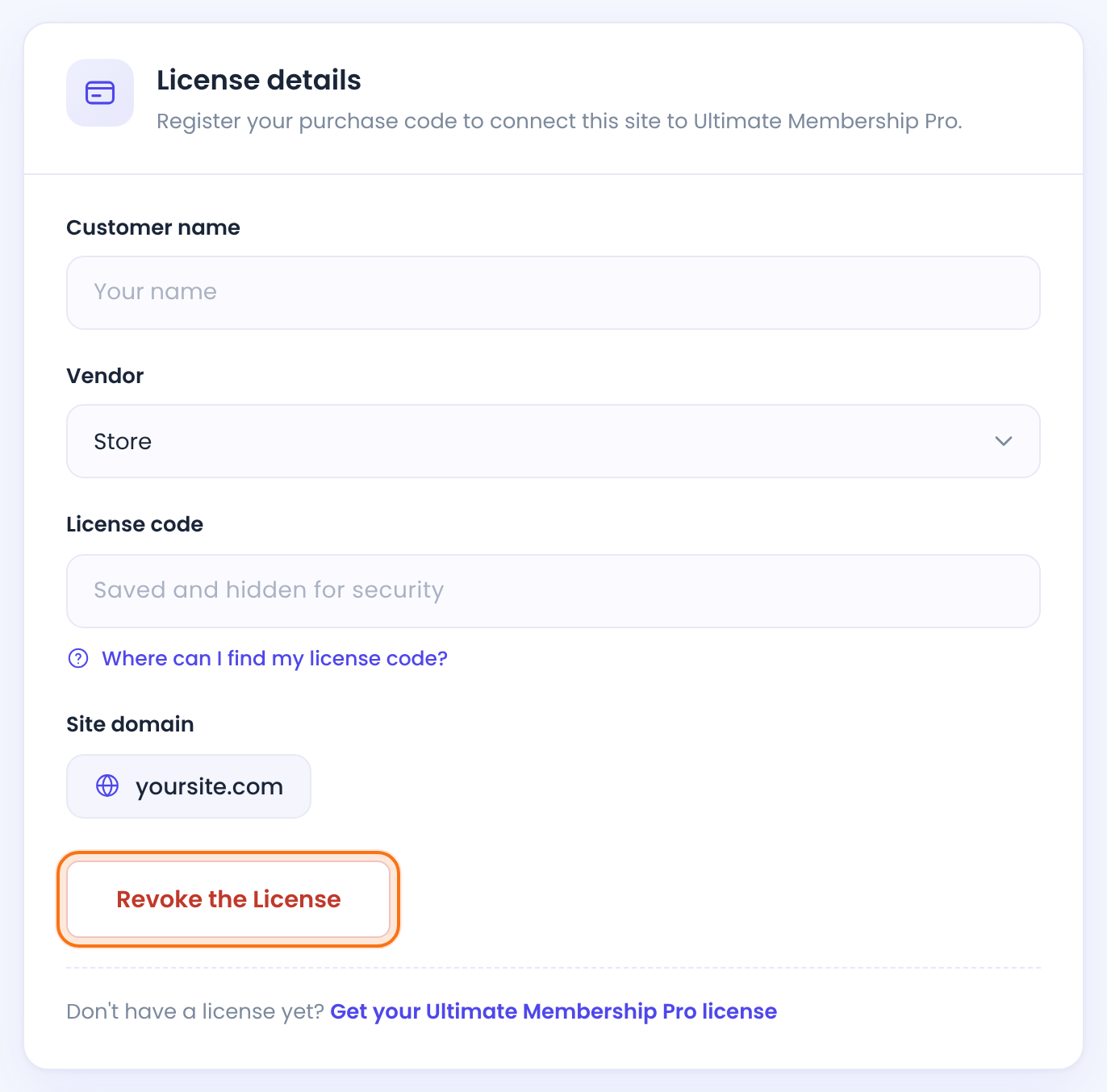
The plugin removes the key from this site and tells the license server. The status changes to Not activated and the site goes back to Trial mode.
Old site no longer available? Log in to your account on ultimatemembershippro.com, open the Licenses tab, click Manage Sites for the license and remove the old site from the list.
Deactivating the plugin doesn’t free the license
Deactivating Ultimate Membership Pro doesn’t release the license. Click Revoke the License first, then deactivate the plugin.
If the plugin is no longer on the old site, follow Old site no longer available? above and remove the site with Manage Sites in your account.
Activate the license on the new site
On the new site, go to Ultimate Membership Pro›Licensing, paste the same key and click Register the License or Activate the License. The full steps are in Find and activate your license key.
A new domain counts as a new site
The license is activated for the domain shown under Site domain on the Licensing screen. If you move a site to a new domain, or clone it to a staging domain, revoke the license first and activate it again on the new domain. To keep a staging copy from charging cards or emailing members, see Move your membership site to a new domain or host.
Changed your domain? Update your payment notifications too
Your license is only one of the two things that depend on your site address. Stripe and PayPal also send payment confirmations to an address that contains your domain. After a domain change, copy the new address from the gateway page and enter it in your Stripe or PayPal account. See Move your membership site to a new domain or host.
Have a legacy license?
A legacy license doesn’t show on the Licenses tab until you connect it to your account. Connect it once from the Legacy license tab on the ultimatemembershippro.com login page. After that you can use Manage Sites as described above.
Example: from staging to live
- 1. On staging.yoursite.com
- Licensing › Revoke the License
- 2. On yoursite.com
- Licensing › paste the key › Activate the License
- Result
- License active on yoursite.com, staging back in Trial mode
Troubleshooting
I don’t see the Revoke the License button
The button only shows while the license is active on that site. If the status says Not activated, the license isn’t in use there.
The new site still won’t activate
Check in your account that the old site was removed. Then see Plugin or license won’t activate.
I can’t find my license in my account
If it’s a legacy license, connect it first with the Legacy license tab on the login page. Otherwise, contact support.
Where do I activate the license on WordPress Multisite?
Open the Licensing screen in the dashboard of the site you want to register, under Ultimate Membership Pro › Licensing. The plugin has no Licensing screen in the Network Admin. Site domain shows the address of the site you are on, and that is the domain the license is activated for. The activation status is saved once for the whole network, not for each site separately.


