
When a page is restricted in Ultimate Membership Pro, a search engine crawler is just another visitor without a Membership: it gets redirected and never sees the content. That page can’t rank. Authorize Search Engines lets real search engine crawlers through, so your members-only pages can still be found.
This guide switches the setting on and explains which crawlers it lets in and which restrictions it skips.
Before you start
- Some pages are restricted with the Locker or with Access Rules.
Switch on Authorize Search Engines
Go to Ultimate Membership Pro›Settings›Security.
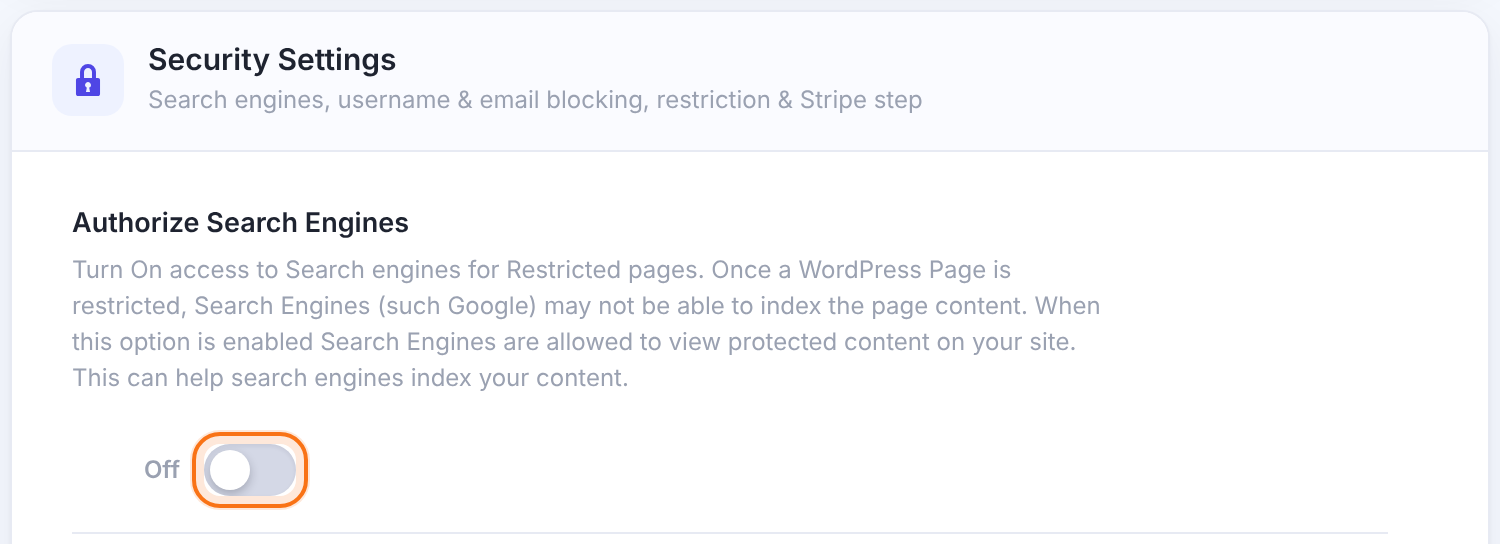
On: search engine crawlers can view restricted content. People still need the right Membership.
Default: Off
Click Save Changes. The setup wizard offers the same option.
Which crawlers get in
The plugin checks two things on every request: the crawler’s name in the browser signature, and a reverse lookup of its IP address. A visitor who only pretends to be Googlebot fails the second check and is restricted as usual.
Signature contains google and the address ends in googlebot.com or google.com.
Signature contains yandex and the address ends in yandex.ru.
Signature contains msn and the address ends in search.msn.com.
Signature contains ask and the address ends in ask.com.
Signature contains yahoo and the address ends in crawl.yahoo.net.
What it covers
- Crawlers skip page redirects from the Locker (Redirect the Page) and every Access Rule.
- Content swapped with Replace the Content and sections hidden with an Inside Locker are not affected by this setting.
- Search results can show text from the page, such as the description or a snippet. Keep anything truly private out of pages you open to crawlers.
Example: a members-only article library
- Access Rule
- All Posts based on Categories, Premium, Show Only for Pro Monthly
- Authorize Search Engines
- On
- Result
- Googlebot reads the articles; visitors without Pro Monthly are redirected
Troubleshooting
Google still reports the page as redirected
Check that the setting is saved, then ask Google to recrawl the page in Search Console. Caches and CDNs can serve an older redirect.
A tool that fakes the Googlebot signature is still redirected
That’s expected: only real crawler addresses pass the reverse lookup.
Crawlers see the replacement text, not the page
Replace the Content isn’t covered by this setting. Use Redirect the Page in the Locker, or an Access Rule.


