
In Ultimate Membership Pro, the profile form is where members update their own details: name, email, avatar, your custom fields and their password. It shows in the Profile tab of the Member Portal and can be placed on any page.
This guide picks a template for the form and sets which fields it contains.
Before you start
- The Member Portal is set up. See Set up the Member Portal.
Pick a template
- Go to Ultimate Membership Pro›Showcases›Profile Form.
- Click a template under Profile Form Template, then Save Changes.
![Profile Form Showcase: Embed the profile form box with the [ihc-edit-profile-form] shortcode, and 14 templates from Standard to Ultimate Member with Radius selected](https://ultimatemembershippro.com/wp-content/uploads/2026/10/ump-profile-form-10-profile-form-templates.png)
Standard, Basic, Blue Box, PlaceHolder, Strong, Double Strong, BackBox, Simple Border, Radius, BootStrap, Double Simple Border, Double Radius, Double BootStrap or Ultimate Member. The Double templates place two fields per row.
Default: Radius
Styles for this form only. See Style forms and pages with CSS.
Choose the fields
- Go to Ultimate Membership Pro›Registration Form›Custom Fields.
- Turn on On Profile for every field members may edit, and off for the others. Save.
The same list controls the registration form (On Registration) and the admin member form (On Admin). See Add custom fields to the registration form.
Check the form as a member
Open the Member Portal as a member and click the Profile tab. The form is shown when Show Profile Form is on for that tab.
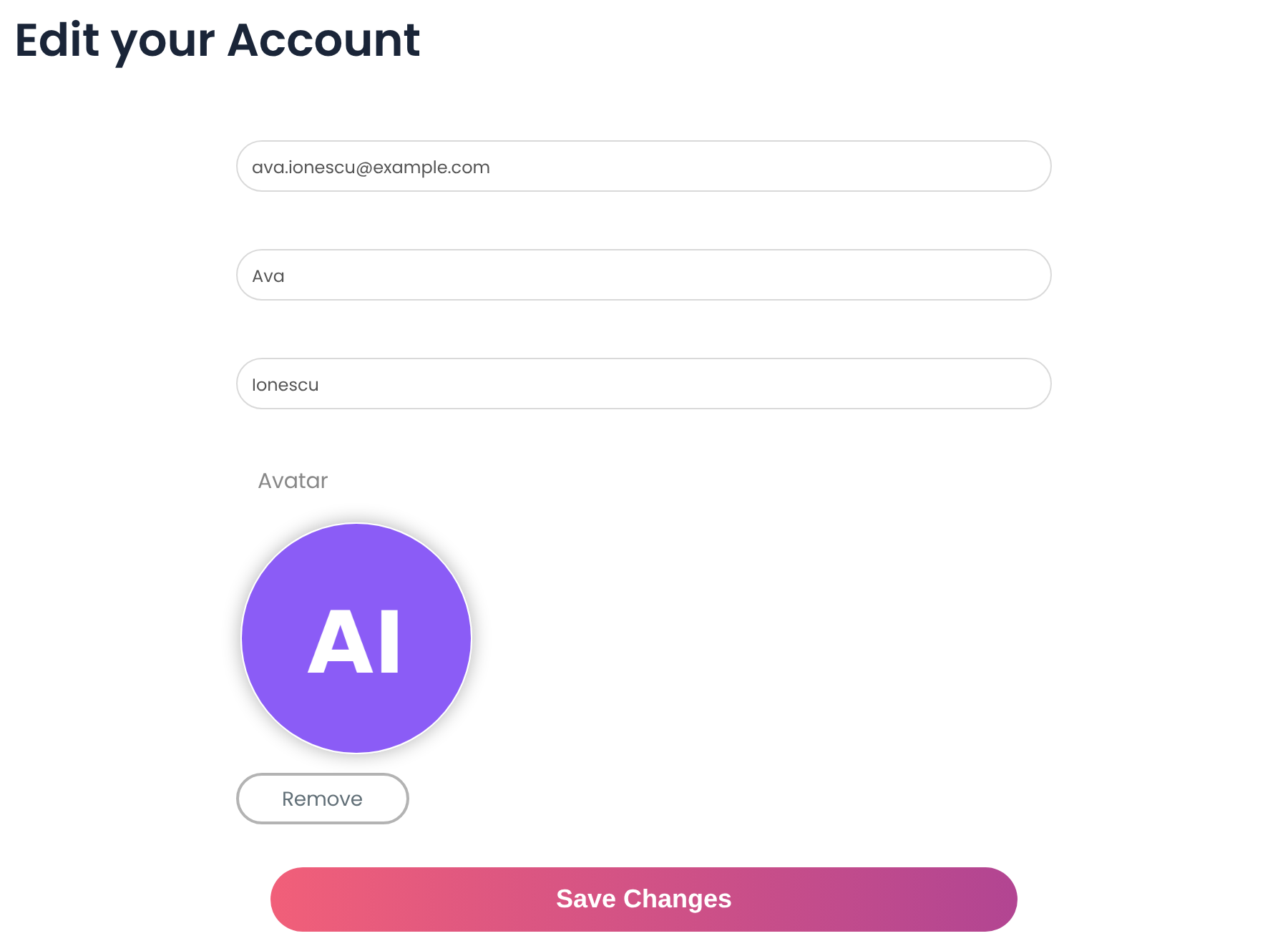
Below the details, members can change their password: they enter the current password, then the new one twice.
Put the form on another page
[ihc-edit-profile-form]Good to know
- The username can’t be changed; WordPress doesn’t allow it.
- Visitors who aren’t logged in see nothing where the shortcode is.
Example: a short profile
- Template
- Radius
- On Profile
- Email, First Name, Last Name, Avatar, Phone
- Off
- Address, Website, Biographical Info
- Where
- Member Portal › Profile tab
Troubleshooting
Why is a field missing from the profile form?
Only fields with On Profile switched on appear in the profile form. Turn it on for that field in Registration Form › Custom Fields.
Why is the Profile tab of the Member Portal empty?
Show Profile Form is off for the Profile tab. Switch it on in Showcases › Member Portal and save.
Why doesn’t the new profile form template show?
Click Save Changes on the Profile Form Showcase, then clear your page cache.


