
In Ultimate Membership Pro, a public member profile is the page that opens when a visitor clicks a member card in the Members Directory. It shows the member’s photo, name and the details you choose to show.
This guide connects the profile page, turns it on in the directory and sets what the profile shows.
Before you start
- A Members Directory on your site. See List members on your site (Members Directory).
Check the profile page
The plugin creates a page named Public Individual Page with the [ihc-visitor-inside-user-page] shortcode. Check it’s selected as Public Individual user Page in Ultimate Membership Pro›Settings›Pages Setup. See Set up the membership pages.
Turn on profiles in the directory
- Go to Ultimate Membership Pro›Showcases›Members Directory.
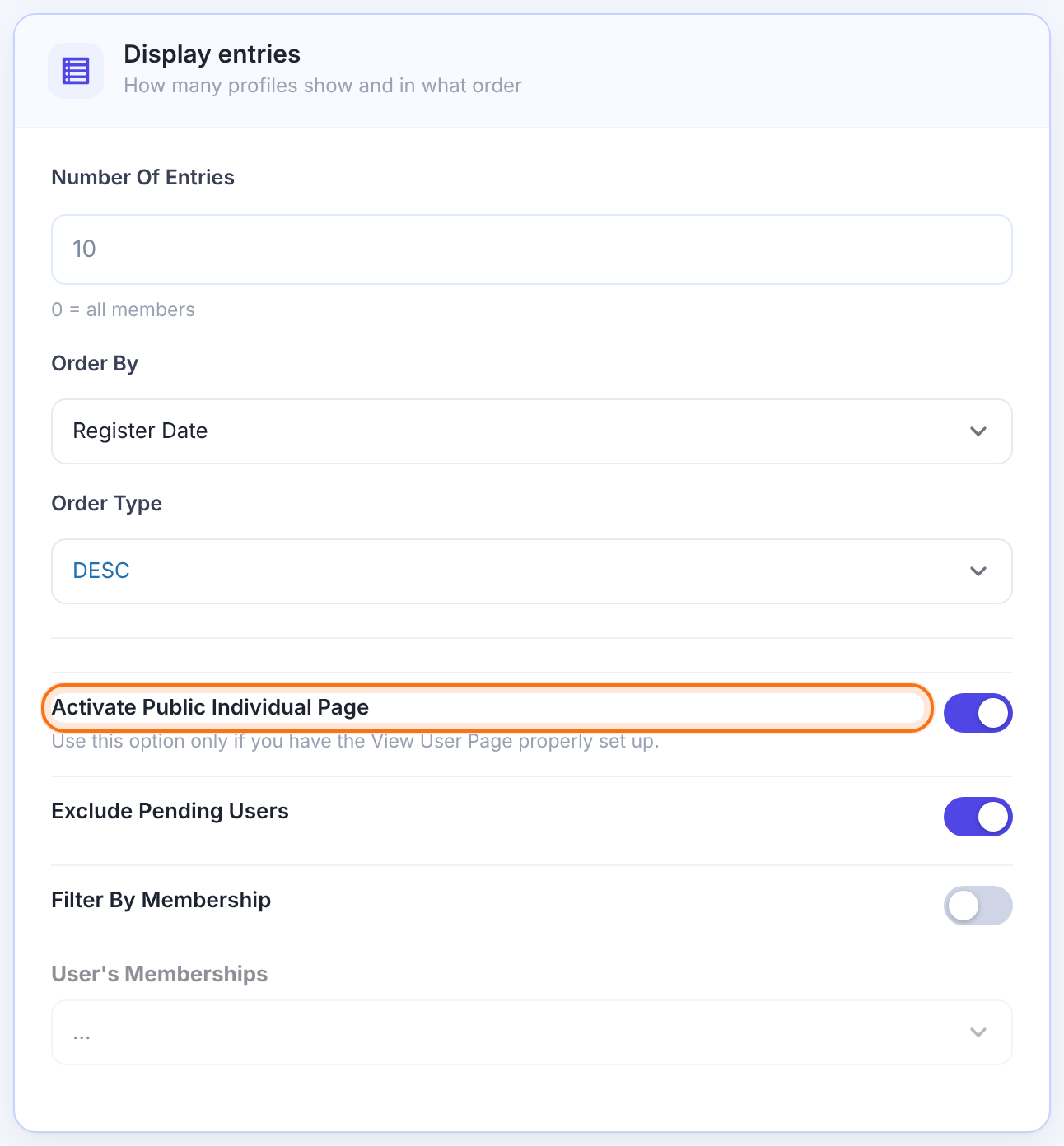
- In Display entries, switch on Activate Public Individual Page.
- Copy the generated shortcode again and replace the old one on your directory page.
Choose what the profile shows
- Open the Public Individual Page tab of the Members Directory screen.
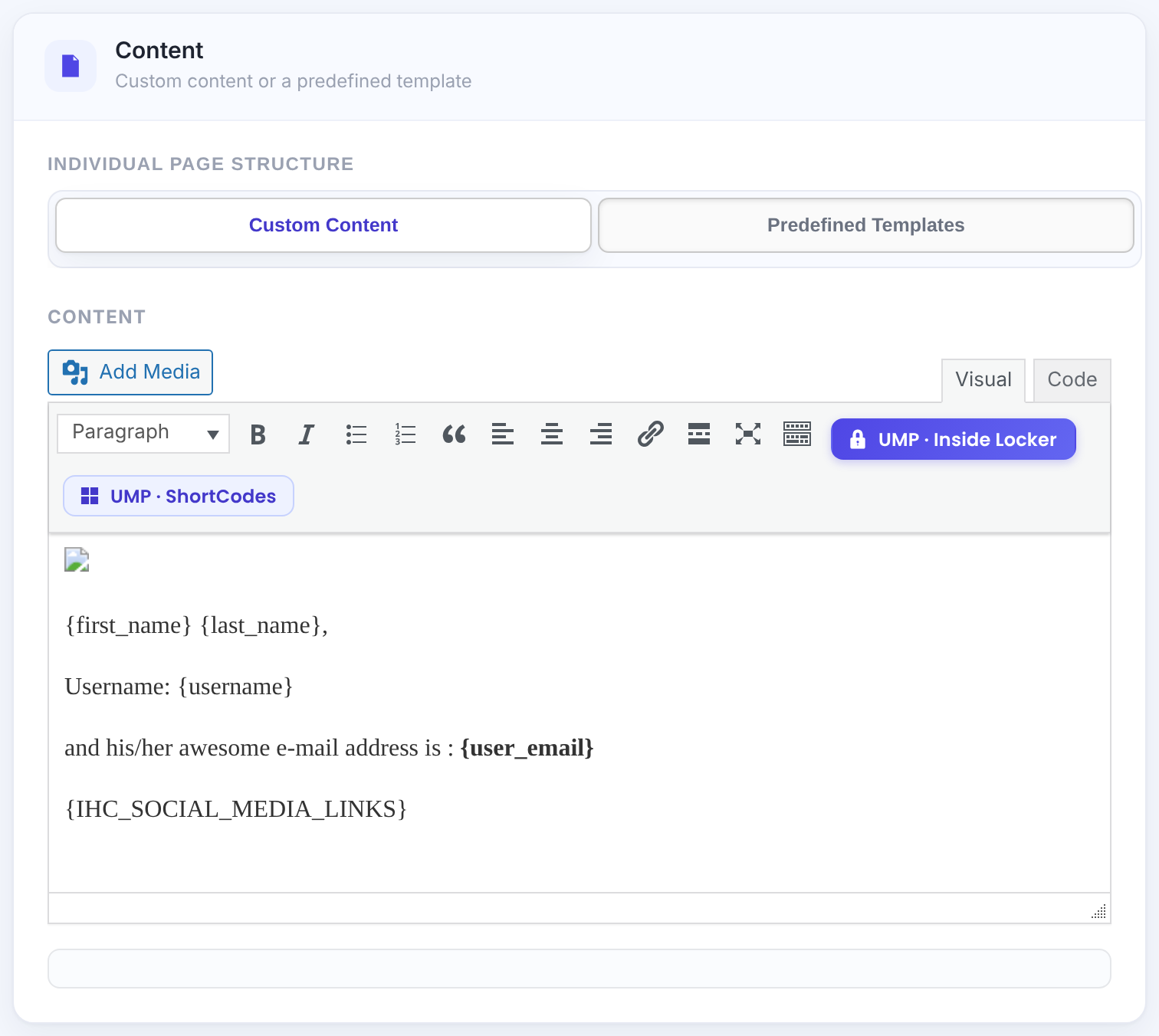
Write the profile yourself. Click a constant to insert it: {AVATAR_HREF}, {username}, {first_name}, {last_name}, {IHC_SOCIAL_MEDIA_LINKS} or a {CUSTOM_FIELD_…} constant.
Default: Selected
Template One or Template Two with a color scheme and switches: Show Avatar, Show Flag, Show Name, Show Username, Show E-mail, Show Website, Show Since, Show Membership, Show Banner, Show Custom Fields, plus Additional Content.
Styles for the profile page only.
- Click Save Changes.
Open a profile
Click a member card in the directory. The profile address is the page address followed by the username:
With pretty permalinks / without
https://yoursite.com/public-individual-page/ava.ionescu/
https://yoursite.com/?page_id=13&ihc_name=ava.ionescu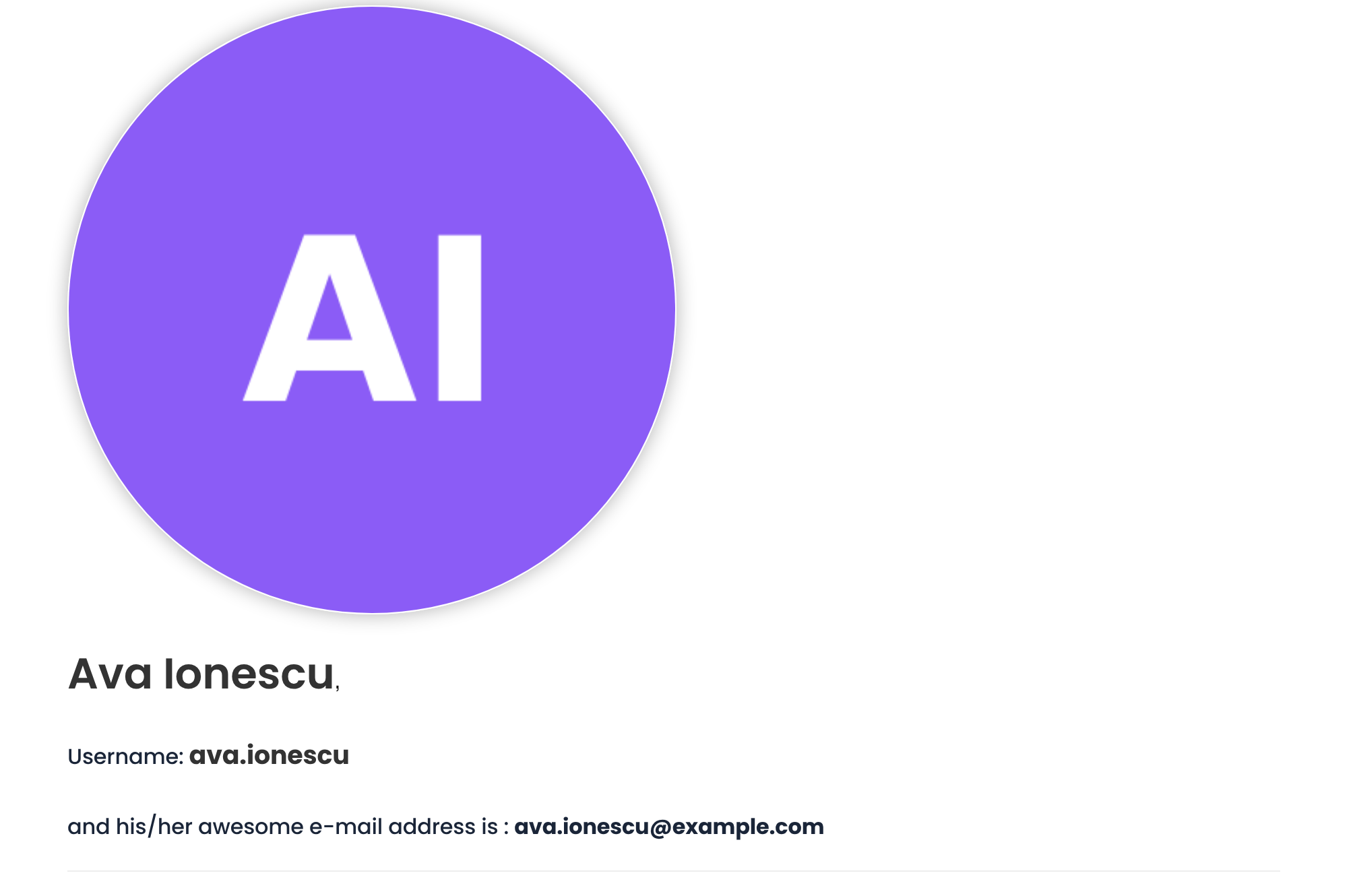
Mind members’ privacy
- The default content shows each member’s email address. Remove
{user_email}from Custom Content, or switch off Show E-mail, if it shouldn’t be public. - To list only members who agree, add the Show my profile on public Members Directory field to your registration form; see Use the built-in special fields.
Example: coach profiles
- Directory
- Activate Public Individual Page on
- Structure
- Predefined Templates, Template One
- Shown
- Avatar, Name, Website, Since, Membership
- Hidden
- E-mail, Username
Troubleshooting
Why does a public profile link give a 404 error?
WordPress needs to rebuild its addresses. Go to Settings›Permalinks and click Save Changes without changing anything.
Why aren’t the member cards in the directory clickable?
Activate Public Individual Page is off. Switch it on in the Members Directory shortcode generator and use the new shortcode on your directory page.
Why is the public profile page empty?
The page needs a username in its address, so open it from a member card, not directly. Also check that the page contains [ihc-visitor-inside-user-page].


