
In Ultimate Membership Pro, the MyCred Points module gives members myCred points when a Membership becomes active for them. You set the number of points per Membership and whether members earn them only the first time or on every renewal.
This guide switches the module on and sets up the Ultimate Membership Pro hook in myCred.
Before you start
- The myCred plugin is installed and active, with at least one point type.
- Your license is active. See Find and activate your license key.
Switch on the module
- Go to Ultimate Membership Pro›Modules and open MyCred Points, in the Integrations group.
- Switch on Activate/Hold MyCred Points and click Save Changes.
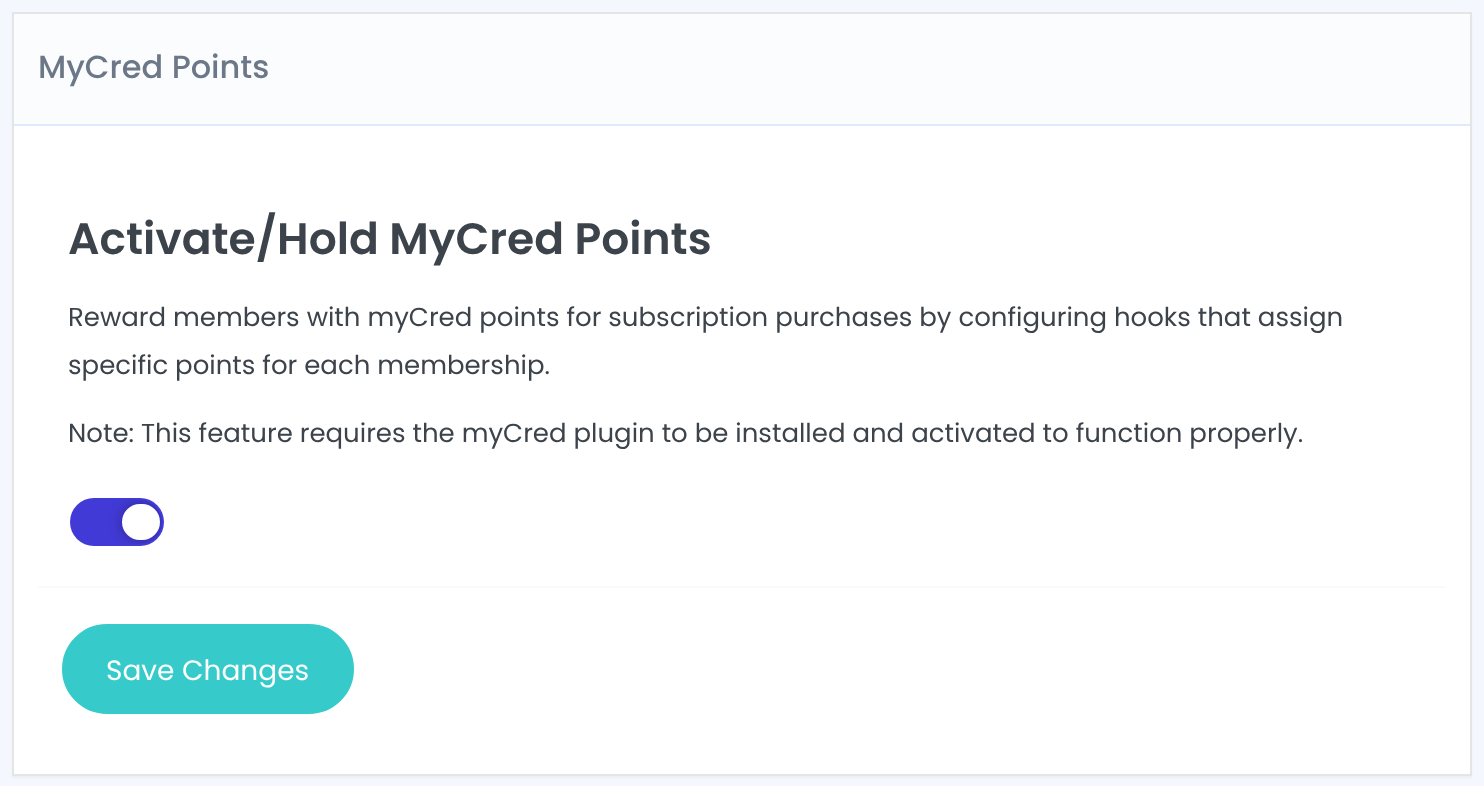
Turn on the hook in myCred
- In the WordPress menu, open the myCred Hooks page of your point type (the point type’s menu is called Points by default).
- Find the Ultimate Membership Pro hook under Available Hooks and move it to Active Hooks.
- Open it, set the points for each Membership and save the hooks.
The hook has one box per Membership with three settings.
Points given when the Membership becomes active. With 0, the member gets nothing for that Membership.
Default: 0
The text of the entry in the member’s points history. myCred replaces template tags such as %plural% with your point name.
Default: %plural% for acquire level and the Membership name
When points are given.
- Just Once: points only the first time the member gets this Membership.
- Everytime: points again on every renewal. Available only for Recurring Subscriptions.
Default: Just Once
Write your own log text
Replace the default Log Template with something your members understand, for example %plural% for joining Pro Monthly.
Good to know
- Points are given when a Membership becomes active for the member, for example after the payment is confirmed.
- Users that myCred excludes in its own settings get no points.
- Changing the points later doesn’t change points already given.
Example: points for Coaching Club plans
- Free Community
- 0 points
- Pro Monthly
- 50 points, Everytime
- Annual Pass
- 800 points, Just Once
- Log Template
- %plural% for joining Pro Monthly
Troubleshooting
Why don’t I see the Ultimate Membership Pro hook in myCred?
Check that the MyCred Points module is switched on and saved, and that myCred is active. Then open the myCred Hooks page again.
A member got a Membership but no points. Why?
Check that the hook is under Active Hooks, that Points for that Membership is above 0 and that the member isn’t excluded in myCred. With Just Once, a member who had the Membership before gets no new points.
Do members get points on every renewal?
Only when Reward is Everytime, and only for recurring Memberships.


