
In Ultimate Membership Pro, the Membership Card module gives members a card for each active Membership, which they can view and print from the Member Portal. It’s handy for gyms, clubs and associations where members show proof of membership at the door.
This guide switches the module on, designs the card and shows where members find it.
Before you start
- Your license is active; modules need it. See Find and activate your license key.
Switch on the module
- Go to Ultimate Membership Pro›Modules and open Membership Card (in Memberships & Subscriptions).
- Switch on Activate/Hold Membership Card.
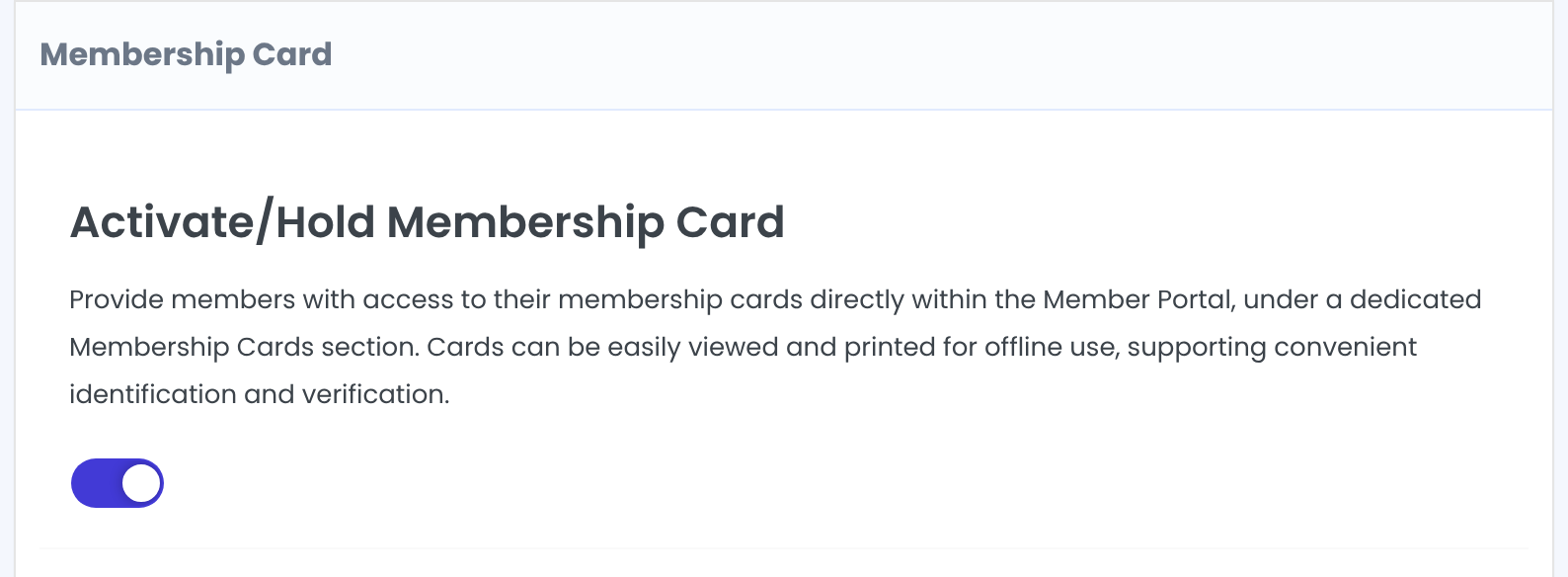
Saving with the switch on also adds a Membership Cards tab to the Member Portal.
Design the card
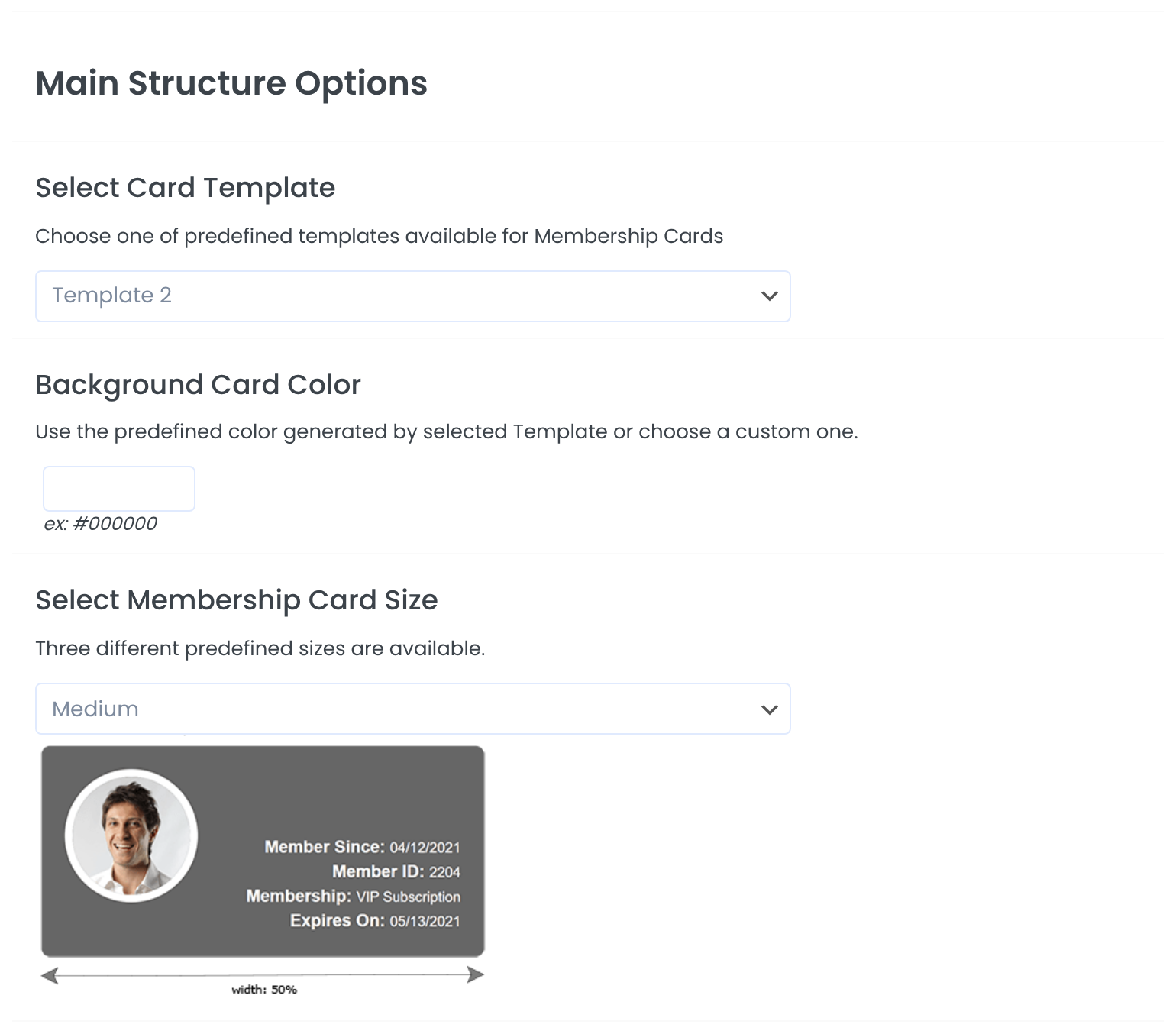
Template 1, 2 or 3.
Default: Template 2
Leave empty to use the template’s color, or pick your own.
Small, Medium or Large.
Default: Medium
Company Logo: an image you choose for every card. Member Avatar: the member’s profile picture (templates 2 and 3).
Default: Company Logo
Choose what the card shows
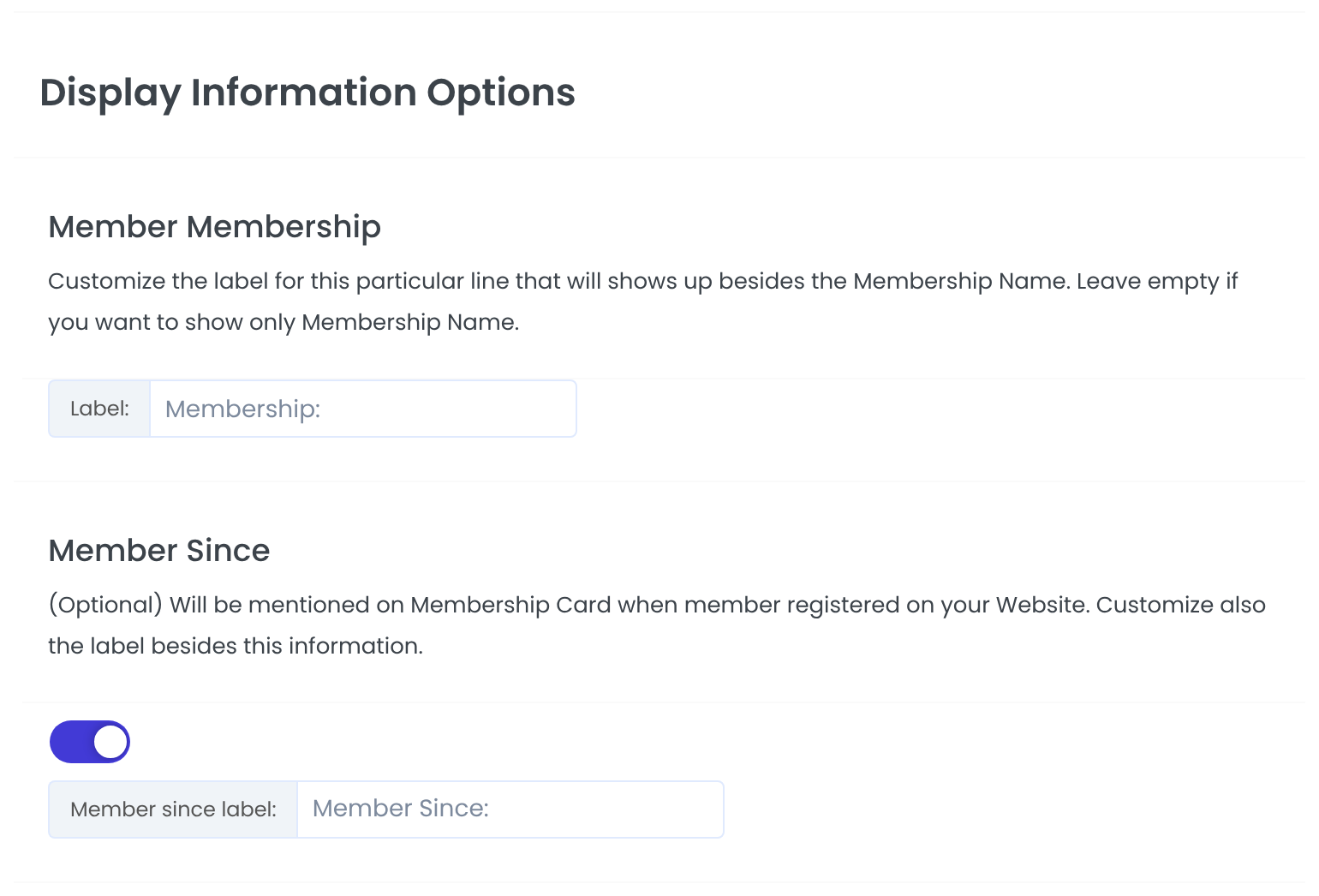
The label before the Membership name. Leave it empty to show only the name.
Default: Membership:
The date the member registered.
Default: On, “Member Since:”
When this Membership expires.
Default: On, “Expires On:”
Extra fields from your register form, such as phone or city.
The member’s first and last name always appear, when both are filled in.
Choose which Memberships get a card
![Select Membership Plans with all six Memberships ticked, and the shortcode [ihc-membership-card]](https://ultimatemembershippro.com/wp-content/uploads/2026/10/ump-membership-card-04-plans.png)
Members get a card only for the ticked Memberships.
Default: All
Click Save Changes.
What members see
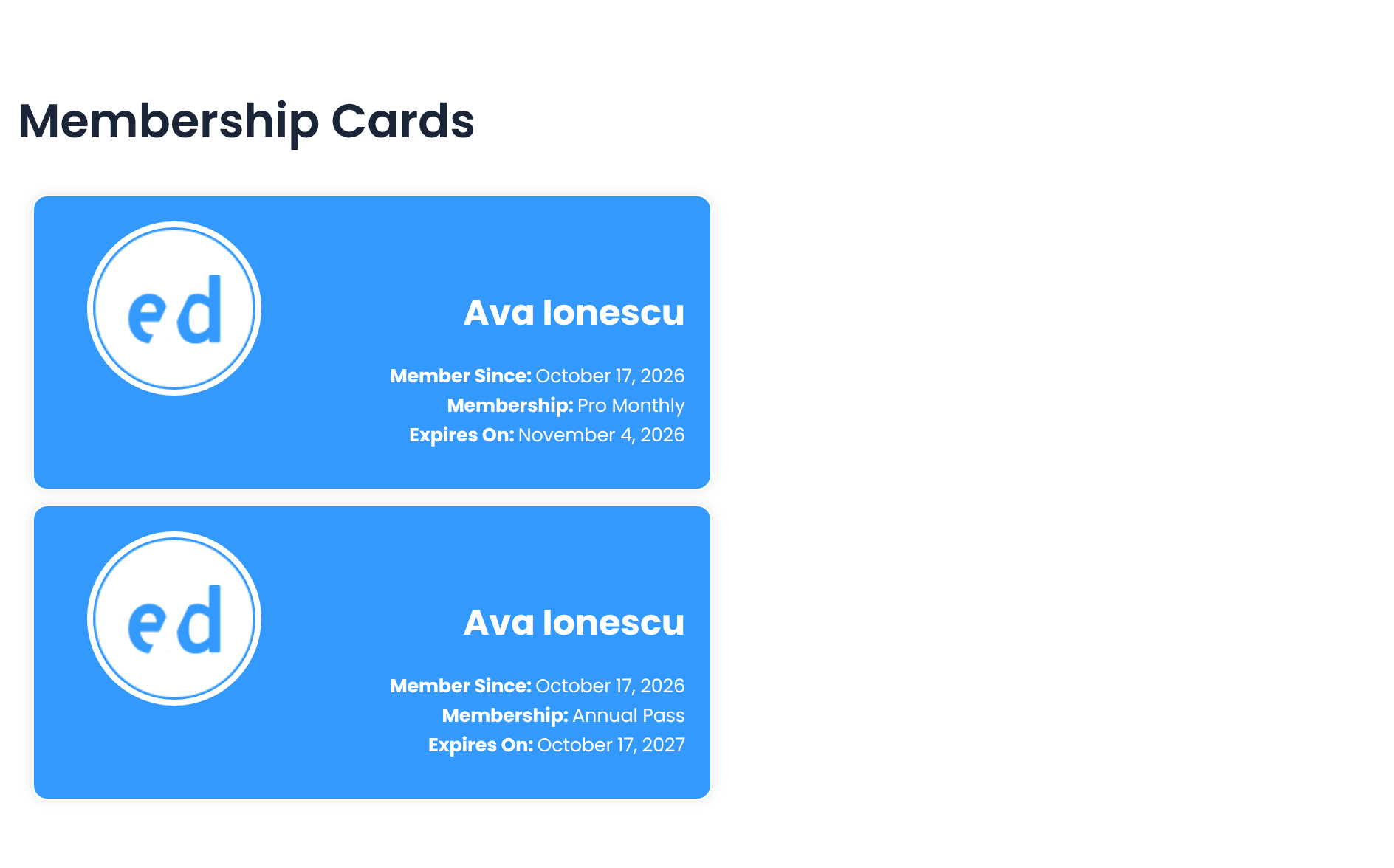
Members print a card with the print icon that appears when they hover over it. Expired Memberships, and Memberships that haven’t started yet, have no card.
Show the cards on any page
[ihc-membership-card]The shortcode shows the logged-in member’s cards. It accepts template and size to override the settings for one page.
Example: club cards
- Template
- Template 2
- Size
- Medium
- Logo
- Company Logo
- Lines
- Membership, Member Since, Expires On
- Memberships
- All
Troubleshooting
“No Membership Cards available based on your Subscriptions.”
The member has no active Membership that’s ticked under Select Membership Plans. Expired Memberships don’t get a card.
The Membership Cards tab is missing
Save the module with the switch on, or tick the tab in the Member Portal showcase. See Set up the Member Portal.
The name is missing on the card
The card shows the name only when the member’s first and last name are both filled in.
How do members print their Membership card in Ultimate Membership Pro?
They open the Membership Cards tab in the Member Portal, hover over the card and click the print icon.


