
In Ultimate Membership Pro, the Membership Badges module gives each Membership its own image, shown wherever the member’s plans are listed. A badge makes the plan visible at a glance and gives members something to be proud of.
This guide switches the module on, adds badge images and shows where they appear.
Before you start
- Square images of the same size work best, for example 240 × 240 px PNGs with a transparent background.
- Your license is active; modules need it. See Find and activate your license key.
Switch on the module
- Go to Ultimate Membership Pro›Modules and open Membership Badges (in Memberships & Subscriptions).
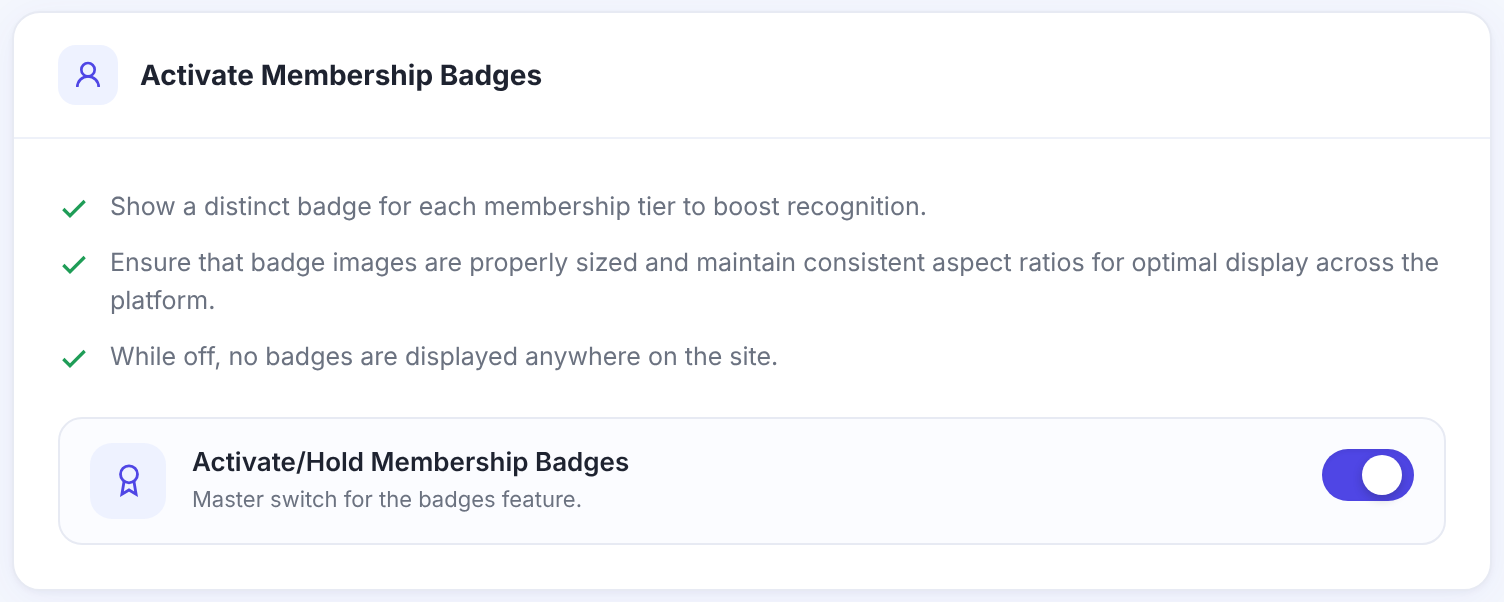
- Switch on Activate/Hold Membership Badges.
Add a badge to each Membership
- Under Badge Images, click Click to select an image… on a Membership and pick or upload the image from the media library.
- Repeat for each Membership that should have a badge, then click Save Changes.
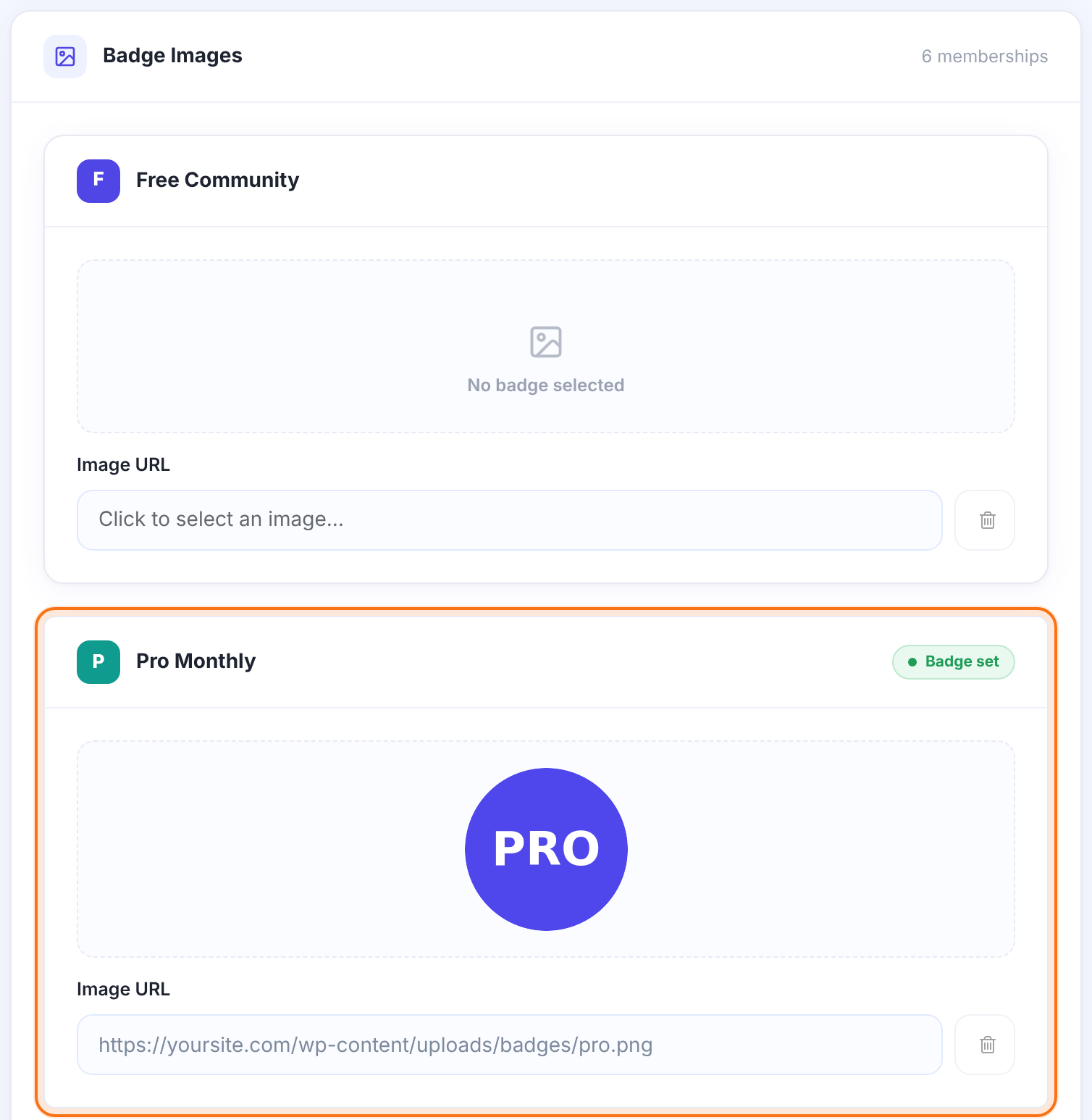
The badge image of that Membership. Remove Badge clears it. Memberships without an image show their name as before.
Your own CSS for the badge markup, for example to change the size.
Where badges appear
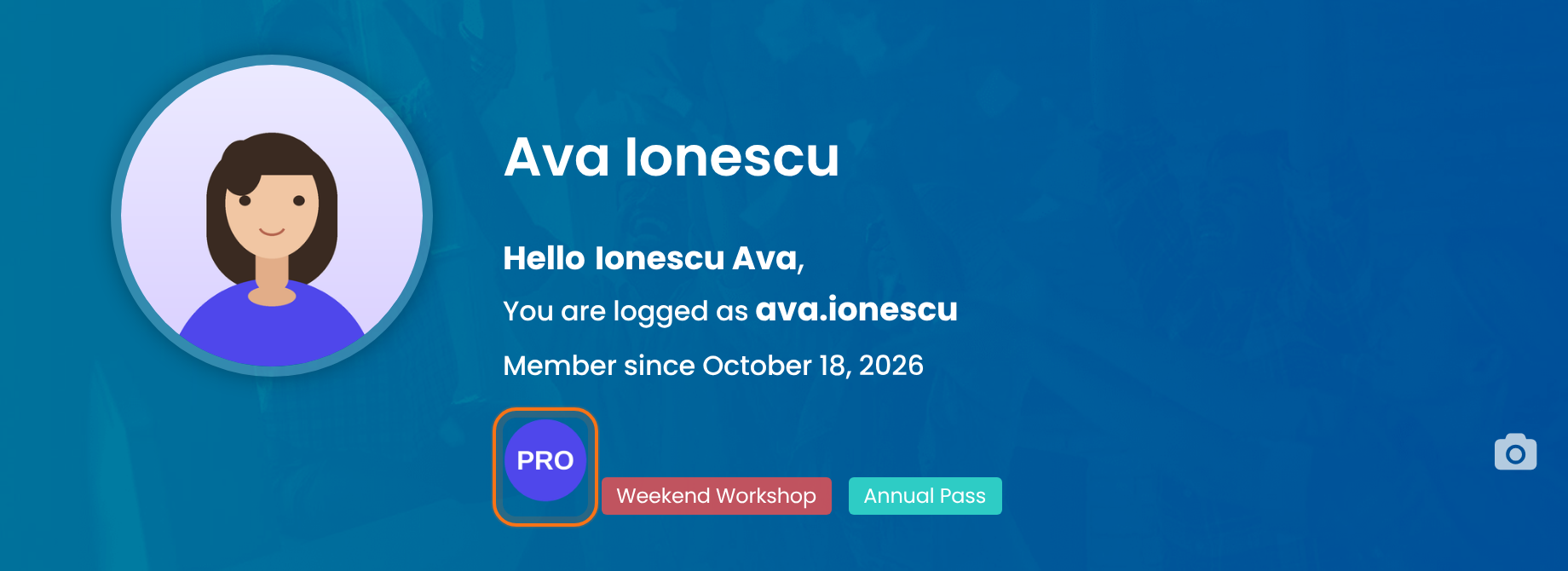
Next to the member’s name, in place of the plan’s name.
On the profile templates 1 and 2. See Show public member profiles.
Anywhere you place the shortcode below.
A member’s Memberships as badges
[ihc-list-user-levels badges=true]Example: badges for paid plans
- Pro Monthly
- Indigo PRO badge
- VIP Coaching
- Gold VIP badge
- Supporter
- Green heart badge
- Free Community
- No badge
Troubleshooting
Badges don’t show
Check that Activate/Hold Membership Badges is on and that the Membership has an image.
The badge looks too big or stretched
Use square images of one size, or limit the size with Custom CSS on the module screen.
How do I show Membership badges on profiles in Ultimate Membership Pro?
Turn on the Membership Badges module, add an image to each Membership, and use public profile template 1 or 2. The Member Portal header shows the badges too.


