
In Ultimate Membership Pro, the Memberships & Payment Methods module limits the payment methods per Membership: each one can offer only some of your payment gateways at checkout. For example, accept bank transfers for a yearly plan but only card or PayPal payments for monthly plans, where manual confirmation every month would be too much work.
This guide switches the module on, limits the gateways of one Membership and sets its default gateway.
Before you start
- At least two payment gateways are enabled and set up. Only those can be chosen here. See Connect a payment gateway.
- Your license is active; modules need it. See Find and activate your license key.
Switch on the module
- Go to Ultimate Membership Pro›Modules and open Memberships & Payment Methods (in Memberships & Subscriptions).
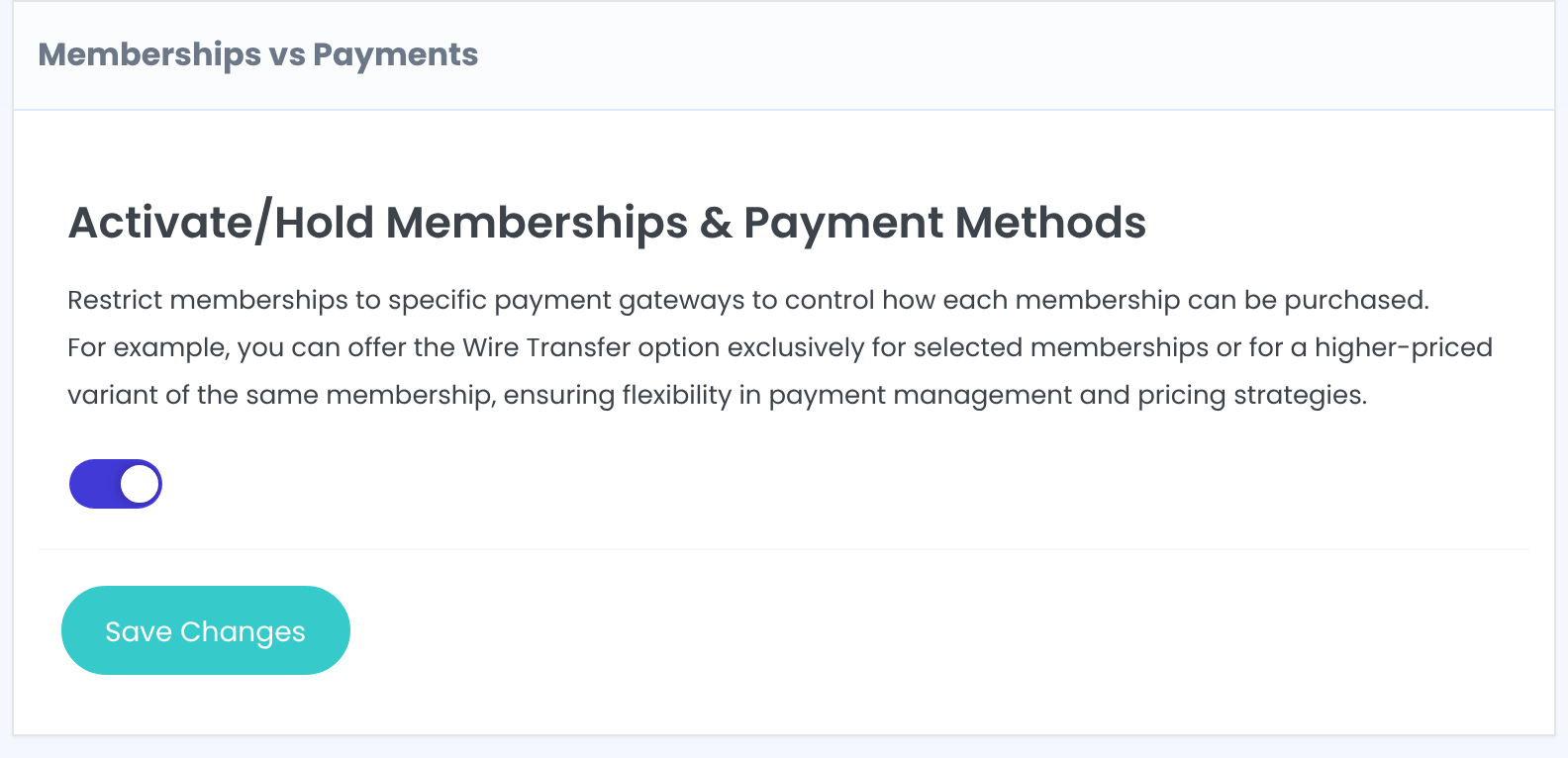
- Switch on Activate/Hold Memberships & Payment Methods and click Save Changes.
Choose the gateways of a Membership
Each paid Membership has its own box. Find it, for example Membership: Pro Monthly:
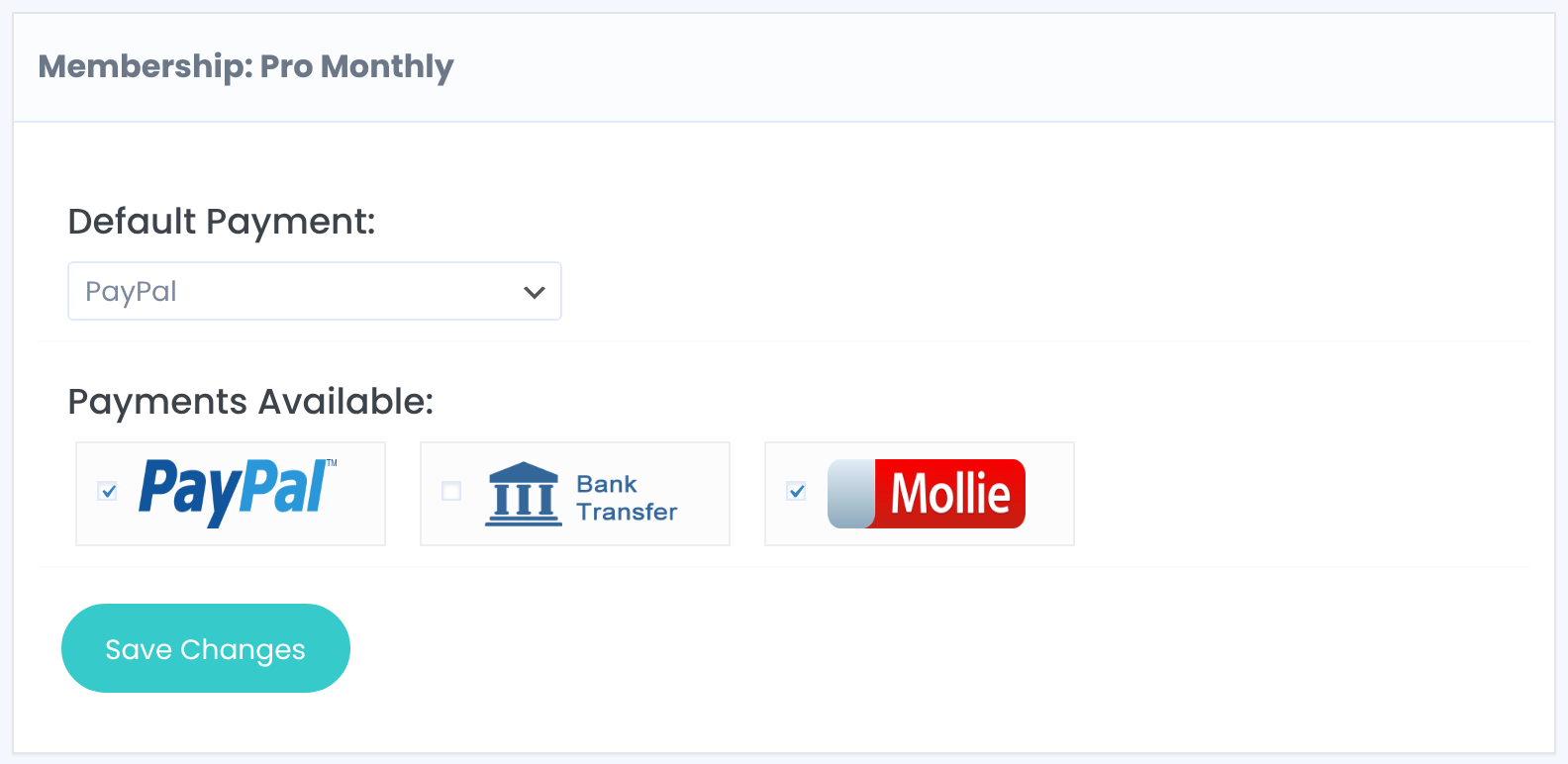
The gateway that’s preselected at checkout for this Membership. The default follows the site-wide Default Payment Gateway under Ultimate Membership Pro›Settings›Payment Settings.
Default: Current Default Payment Method
Untick the gateways this Membership can’t be bought with.
Default: All enabled gateways
Click Save Changes in that box. Free Memberships have no box, since there’s nothing to pay.
What members see
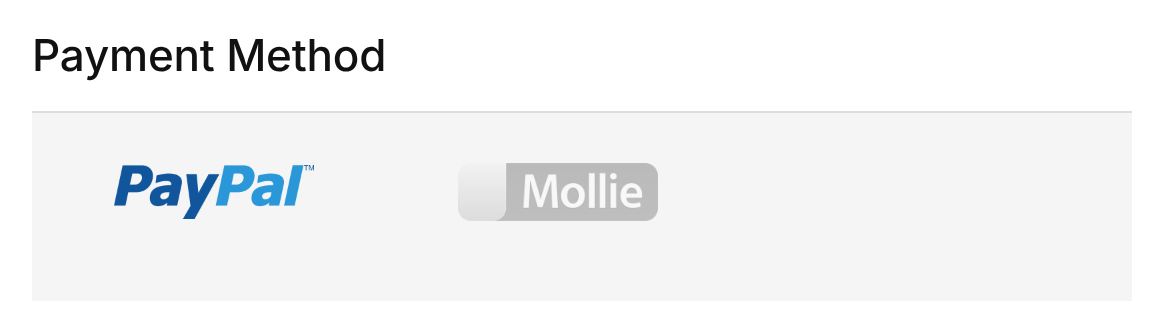
The checkout page lists only the allowed gateways, with the Default Payment selected. If the default isn’t allowed or isn’t available, the first allowed gateway is selected. To let members pick among gateways at all, see Let members choose a payment method.
Keep at least one gateway
- If you untick every gateway of a Membership, its checkout page shows no payment method.
- The rules apply to the checkout page’s list of payment methods.
Example: bank transfer for yearly plans only
- Pro Monthly
- PayPal, Mollie (default PayPal)
- VIP Coaching
- PayPal, Mollie (default PayPal)
- Annual Pass
- PayPal, Mollie, Bank Transfer
Troubleshooting
A gateway is missing from the Payments Available list
Only gateways that are enabled and fully set up under Payment Gateways appear. Finish its setup first.
All gateways still show at checkout
Check that the module is on and that you saved the box of that Membership, not only the module switch.
How do I offer bank transfer only for some Memberships in Ultimate Membership Pro?
Turn on the Memberships & Payment Methods module, then untick Bank Transfer under Payments Available for every Membership that shouldn’t offer it.


