
In Ultimate Membership Pro, members can choose between multiple payment methods when more than one payment gateway is active: by card, with PayPal or by bank transfer, for example. The checkout lists every active gateway, preselects your default one, and the member switches with one click.
This guide activates several gateways, sets their names and order, chooses how the list looks, and explains which gateway is preselected.
Before you start
- Your checkout page is set up. See Configure the checkout page.
- You have a paid Membership, for example Pro Monthly at $19/month. See Create your first Membership.
- You have accounts with the providers you want to offer, for example Stripe and PayPal. See Connect a payment gateway.
Which gateways to offer
Most sites start with a card gateway and add one or two others for members who prefer another way to pay. For card payments, Stripe Connect is the recommended gateway: the card form stays on your checkout page and it handles recurring Memberships.
Stripe Connect (recommended)
- Members pay
- By card, on your checkout page
- Recurring
- Yes, renewals are charged automatically
- Member Portal
- Members can change their card or cancel
PayPal Standard
- Members pay
- On PayPal’s payment page
- Recurring
- Yes, as a PayPal subscription
- Good for
- Members who prefer PayPal
Wire Transfer
- Members pay
- From their bank, using your instructions
- Recurring
- No automatic renewals
- Good for
- Companies and yearly plans; you confirm each payment
Other gateways
- Options
- Stripe Checkout, PayPal Express Checkout, Mollie, Braintree, Authorize.net, 2Checkout, Pagseguro
- Setup
- Each has its own guide
Setup guides: Set up Stripe, Set up PayPal Standard and Accept bank transfers.
Activate the gateways
- Go to Ultimate Membership Pro›Payment Gateways.
- For each gateway you want to offer, click Complete setup, switch it on, fill in its credentials and click Save Changes.
Only gateways that are switched on and fully set up appear at checkout. A gateway that’s on but missing its keys or account connection is left out. Wire Transfer also needs its Payment Instructions before it counts as active.
Set the name and order of each gateway
Every gateway screen ends with an Extra Settings card. Open each active gateway in turn, for example PayPal:
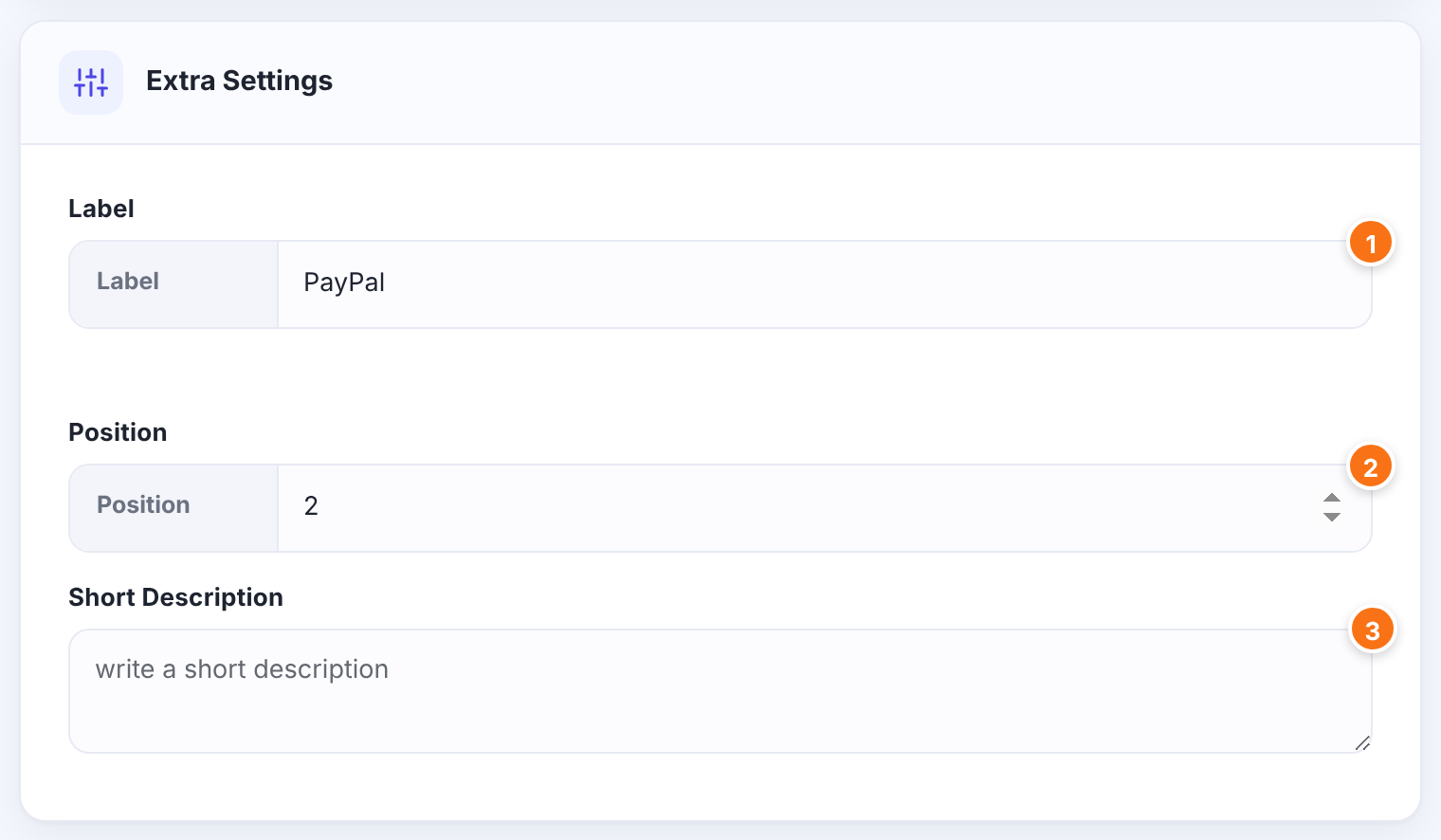
The name members see in the RadioBox and DropDown templates, and the name shown in Payment History. The Logos template shows the gateway’s logo instead.
Default: The gateway’s name (Stripe Connect: Credit Card)
The gateway’s place in the list. Lower numbers come first. Give each active gateway its own number: Stripe Connect and PayPal both start at 1, and when two gateways share a number Ultimate Membership Pro decides their order itself.
Optional text about the gateway, saved with its settings.
Click Save Changes on each gateway screen.
Show the list at checkout
- Go to Ultimate Membership Pro›Showcases and open Checkout Page.
- On the Checkout Showcase tab, make sure Payment Method is on, then set the two settings below it.
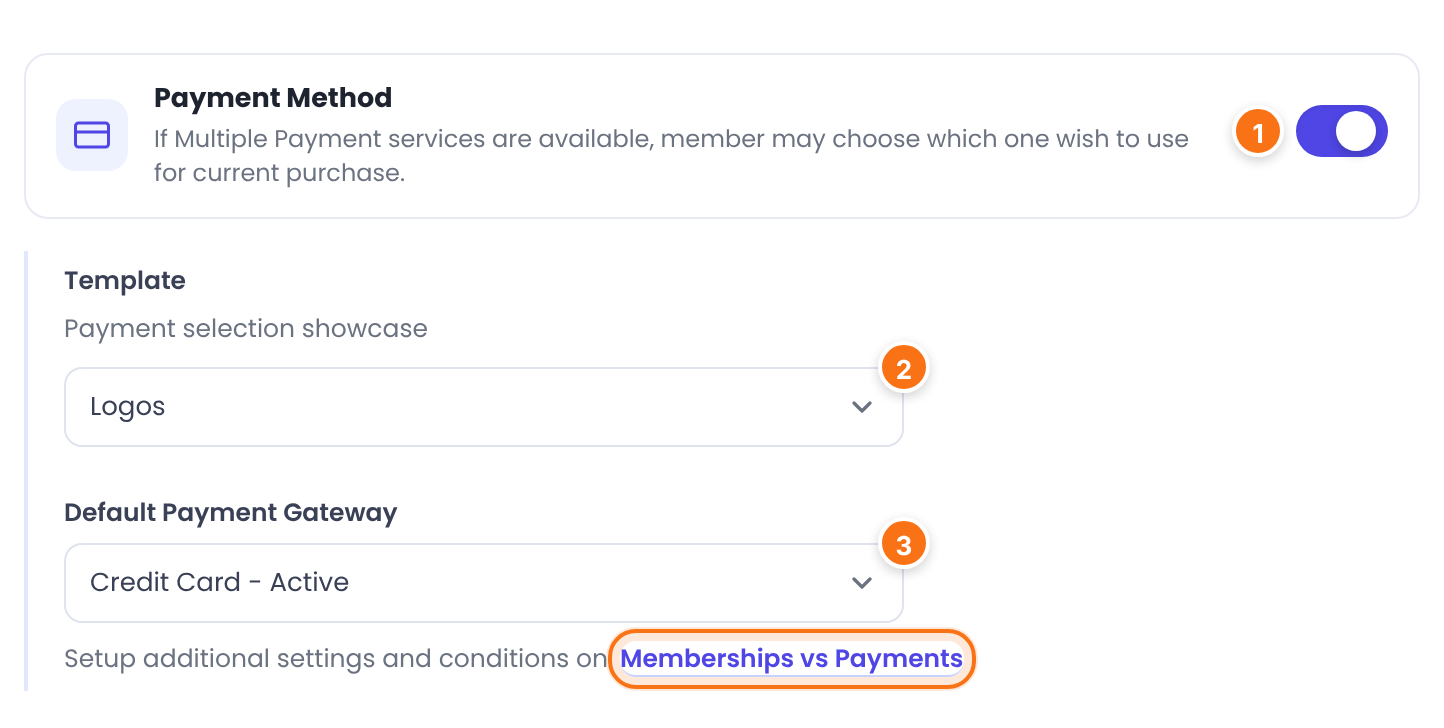
Shows the list of active gateways at checkout. When it’s off, members can’t choose: the default gateway is used for every purchase.
Default: On
How the list looks (Payment selection showcase).
- Logos: a clickable logo per gateway.
- RadioBox: a radio button with each gateway’s Label.
- DropDown: a dropdown list of Labels.
Default: Logos
The gateway that’s selected when the checkout opens. Each entry says Active or Inactive; pick an active one. The link Memberships vs Payments below it opens the per-Membership rules (see step 5).
Default: Wire Transfer
Click Save Changes.
The three templates
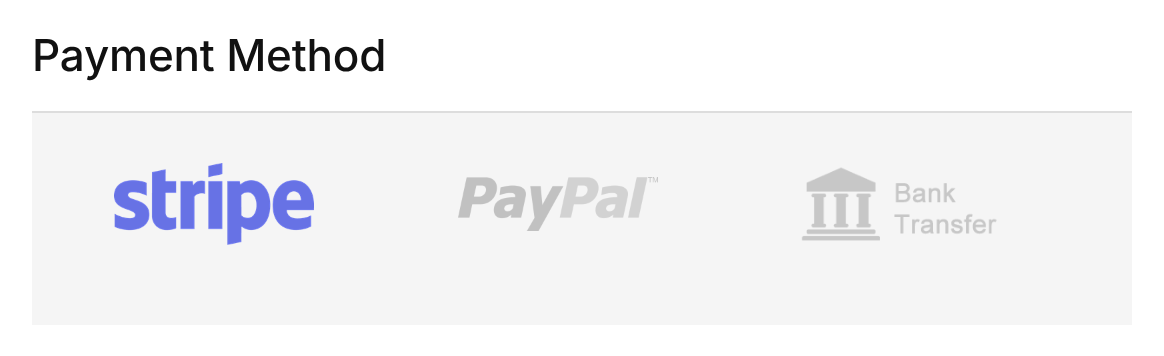
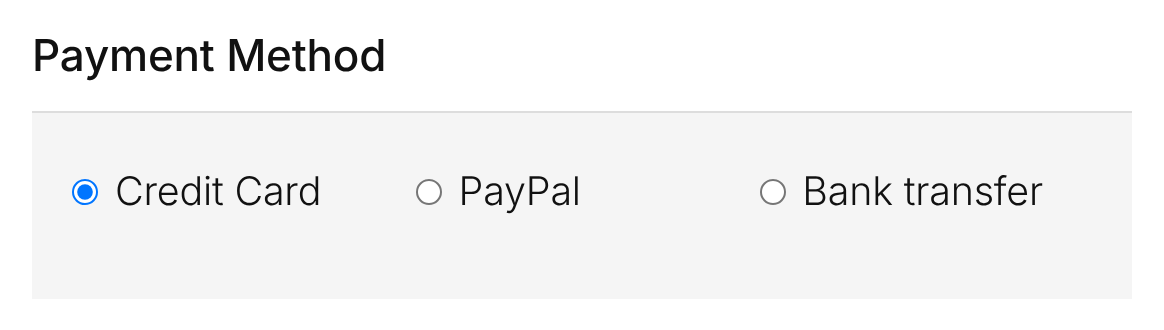
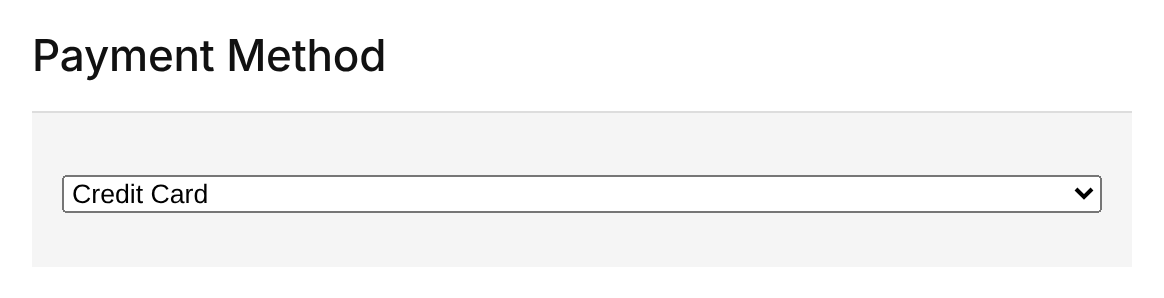
When the member picks another gateway, the checkout updates right away. Card gateways such as Stripe Connect show their card fields under the list; Wire Transfer shows “Wire Transfer details will be shown after payment complete”.
Set the default gateway in Payment Settings
The same Default Payment Gateway is also under Ultimate Membership Pro›Settings›Payment Settings. Changing it in one place changes it in the other.
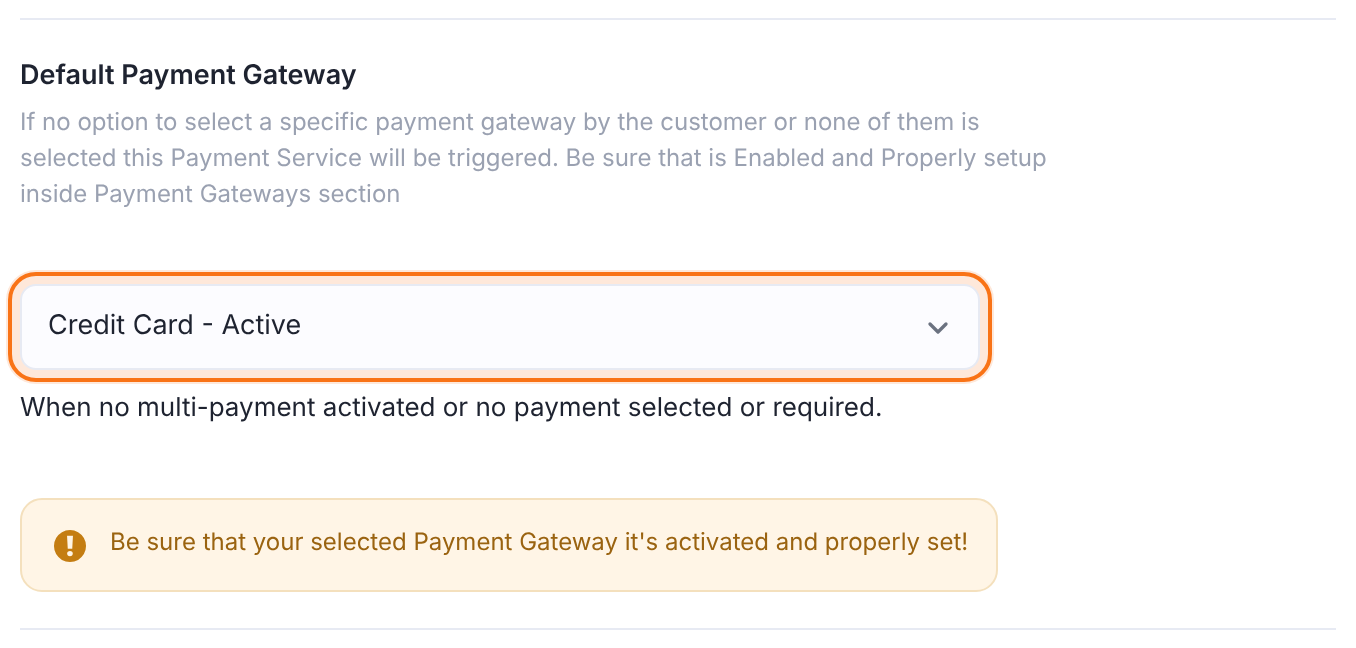
It’s also the gateway Ultimate Membership Pro uses when the member can’t choose: when Payment Method is off at checkout.
Limit gateways for some Memberships
With the Memberships & Payment Methods module, each Membership can offer only some gateways and have its own default, for example bank transfer for the Annual Pass only. See Allow only some payment methods for a Membership.
Which gateway is preselected
When the checkout opens, Ultimate Membership Pro selects one gateway, in this order:
A checkout link with py= and a gateway code, for example ?lid=2&py=paypal, selects that gateway.
Set in the Memberships & Payment Methods module, when that module is on.
Your site-wide default.
Used when the gateway found above isn’t active.
Gateway codes for links: stripe_connect, paypal, bank_transfer, stripe_checkout_v2, paypal_express_checkout, mollie, braintree, authorize, twocheckout, pagseguro.
Limits
- Free Memberships never show the list: there’s nothing to pay.
- With a single active gateway, the list shows just that one.
- The Logos template doesn’t show your Labels. Use RadioBox or DropDown if the names matter, for example “Credit Card” or “Bank transfer”.
Good defaults
- Make your card gateway the default and give it Position 1: most members pay by card.
- If you restrict gateways per Membership, check that each Membership’s default gateway is one it allows.
Example: card, PayPal and bank transfer
- Stripe Connect
- Active, Label Credit Card, Position 1
- PayPal Standard
- Active, Label PayPal, Position 2
- Wire Transfer
- Active, Label Bank transfer, Position 5
- Payment Method
- On, Template RadioBox
- Default Payment Gateway
- Credit Card (Stripe Connect)
Troubleshooting
Why doesn’t a payment gateway show up at checkout?
Only gateways that are switched on and fully set up appear. Open the gateway under Payment Gateways and check its switch and credentials; for Wire Transfer, fill in Payment Instructions. If the Memberships & Payment Methods module is on, also check that the Membership allows that gateway.
Members can’t choose a payment method. Why?
Check that Payment Method is on under Showcases › Checkout Page and that more than one gateway is active. For free Memberships the list never appears.
How do I change the order of the payment methods?
Open each gateway under Payment Gateways and set Position in its Extra Settings card. Lower numbers come first; give each gateway a different number.
Where is the payment_select field from the old instructions?
Ultimate Membership Pro no longer uses the payment_select field of the registration form. The payment method list is part of the checkout now, which also appears inside the registration form. Turn it on and choose its template under Showcases › Checkout Page.
Why don’t my gateway names appear at checkout?
The Logos template shows logos only. Switch Template to RadioBox or DropDown to show each gateway’s Label.
Can I send members to the checkout with PayPal already selected?
Yes. Add py=paypal to the checkout link, for example ?lid=2&py=paypal. Use stripe_connect, bank_transfer or another gateway code the same way.


