
Ultimate Membership Pro moves members who subscribed through Stripe Checkout to Stripe Connect automatically. Once you switch Stripe Checkout off, the Stripe Connect webhook recognizes each renewal of a Stripe Checkout subscription and moves that subscription to Stripe Connect.
This guide explains how the move works, then walks you through the switch and the checks afterwards.
Before you start
- Stripe Connect is set up and tested, with its webhook. See Set up Stripe.
- Connect the same Stripe account that holds your Stripe Checkout subscriptions, in the same mode (live subscriptions need Live Mode).
- Members who paid once (LifeTime, Limited Time, Date Range) need nothing: there is no subscription to move.
How the move works
At each subscription’s next renewal, once Stripe Checkout is switched off. Members don’t need to do anything.
The Stripe Checkout subscription is replaced by a Stripe Connect subscription for the same customer and card, at the same price and interval. The renewal that triggers the move is charged as usual, and the new subscription’s first charge is one billing cycle later. A subscription with a set number of payments keeps its original end date.
The renewal is recorded as a Completed order in Payment History and the Membership is extended. From then on the member can Cancel and Change Card in the Member Portal.
While Stripe Checkout is on
- Existing Stripe Checkout subscriptions keep renewing through Stripe Checkout, and members can cancel them from the Member Portal.
- Nothing is moved until you switch Stripe Checkout off. You can use this time to start new members on Stripe Connect.
Set up Stripe Connect
- Set up Stripe Connect and switch it on. When you save it on, it becomes the Default Payment Gateway; check it under Ultimate Membership Pro›Settings›Payment Settings.
- In Stripe, check that the Stripe Connect webhook includes all events from Charge, Customer, Invoice and Subscription Schedule. See Set up Stripe.
- Optional: if you keep Stripe Checkout on for a while, stop offering it to new members by excluding it for each Membership. See Allow only some payment methods for a Membership.
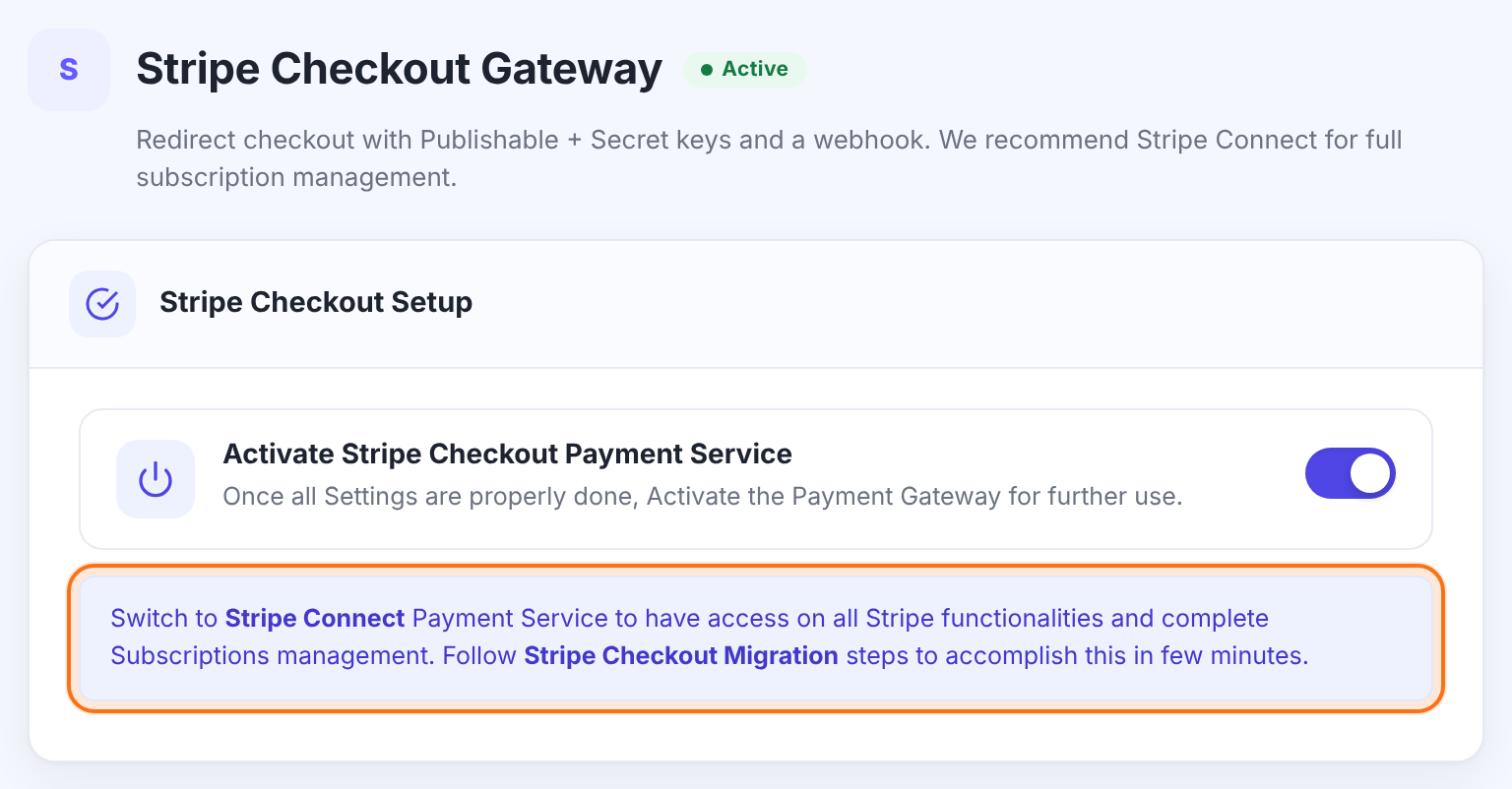
The Stripe Connect webhook must be ready first
Once Stripe Checkout is off, renewals reach your site through the Stripe Connect webhook, and that’s where the move happens.
Turn off Stripe Checkout
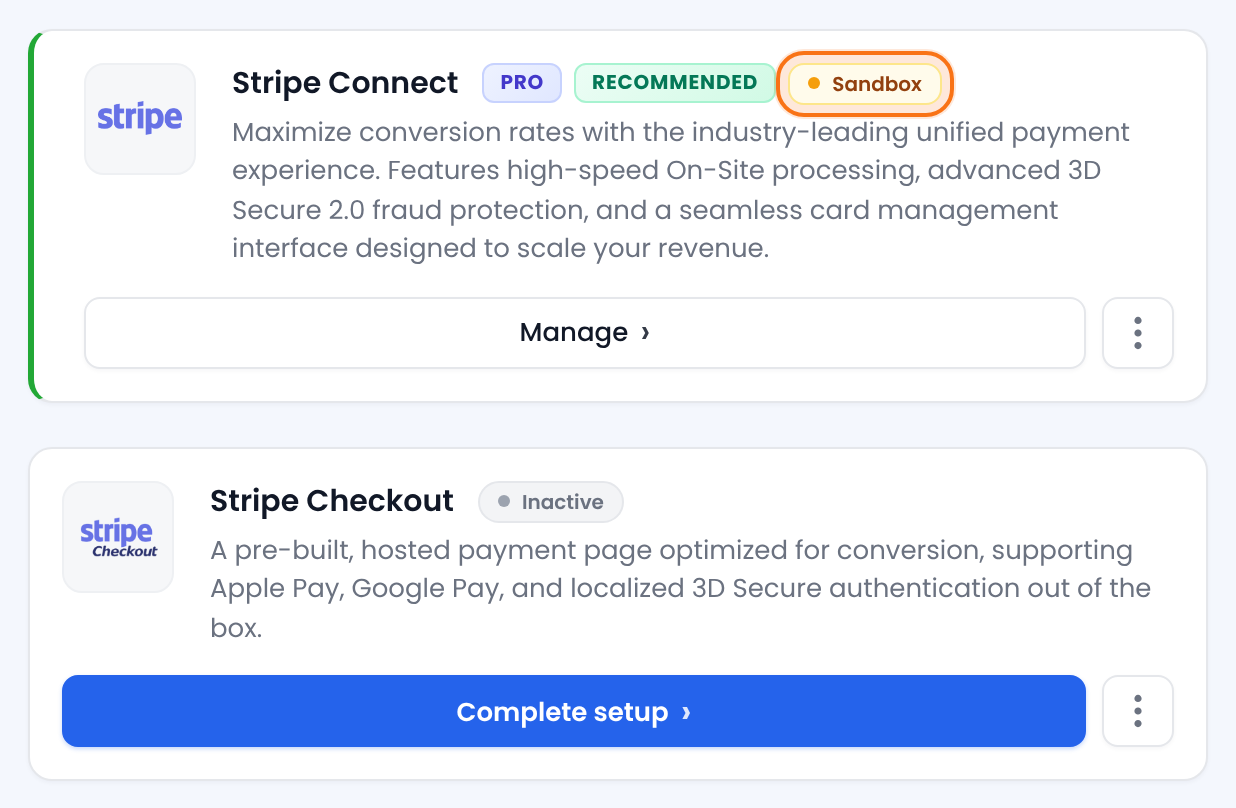
- Go to Ultimate Membership Pro›Payment Gateways›Stripe Checkout and switch off Activate Stripe Checkout Payment Service.
- Click Save Changes. You can also use Deactivate in the gateway’s ⋮ menu on Payment Gateways.

Check the first renewals
After the first renewals, check a few members:
- In your Stripe dashboard, open the customer: the old subscription is canceled and a new active subscription, at the same price and interval, has been created.
- In Ultimate Membership Pro›Members, the member’s Membership is active with the new expiry date.
- In Ultimate Membership Pro›Payment History, the renewal order is Completed.
Example: Coaching Club
- Stripe Connect
- Live, Default Payment Gateway, webhook with Charge, Customer, Invoice and Subscription Schedule events
- Stripe Checkout
- Switched off
- Pro Monthly, $19/month
- Each subscription moves at its next renewal; the member is charged $19 as usual
- After one month
- All active Pro Monthly subscriptions run on Stripe Connect
Questions
Will my Stripe Checkout subscriptions move to Stripe Connect automatically?
Yes. Once Stripe Checkout is switched off, each subscription moves at its next renewal, through the Stripe Connect webhook.
Do members have to enter their card again?
No. A moved subscription uses the same Stripe customer and the same card.
Are members charged twice when their subscription moves?
No. The renewal that triggers the move is the only charge; the new subscription’s first charge is one billing cycle later.
Why hasn’t a subscription moved yet?
Subscriptions move at their next renewal. Check that Stripe Checkout is off, that Stripe Connect is on and connected to the same Stripe account and mode as the old subscriptions, and that its webhook includes the Invoice events.
Can I switch Stripe Checkout back on?
Yes. While it’s on, the remaining Stripe Checkout subscriptions renew through Stripe Checkout and nothing is moved. Add its webhook back in Stripe if you deleted it.
My Stripe Checkout settings show “Switch to Stripe Connect Payment Service…”. Do I have to?
No. The notice recommends Stripe Connect; Stripe Checkout keeps working. See Set up Stripe Checkout for when each gateway fits.


