
In Ultimate Membership Pro, the Subscription Delay module makes a new Membership start a set time after it’s assigned, instead of immediately. Use it when access should open later, for example when a workshop’s materials are released two days after booking.
This guide switches the module on and sets a delay for one Membership.
Before you start
- Your license is active; modules need it. See Find and activate your license key.
Switch on the module
- Go to Ultimate Membership Pro›Modules and open Subscription Delay (in Memberships & Subscriptions).
- Switch on Activate/Hold Subscription Delay and click Save Changes.
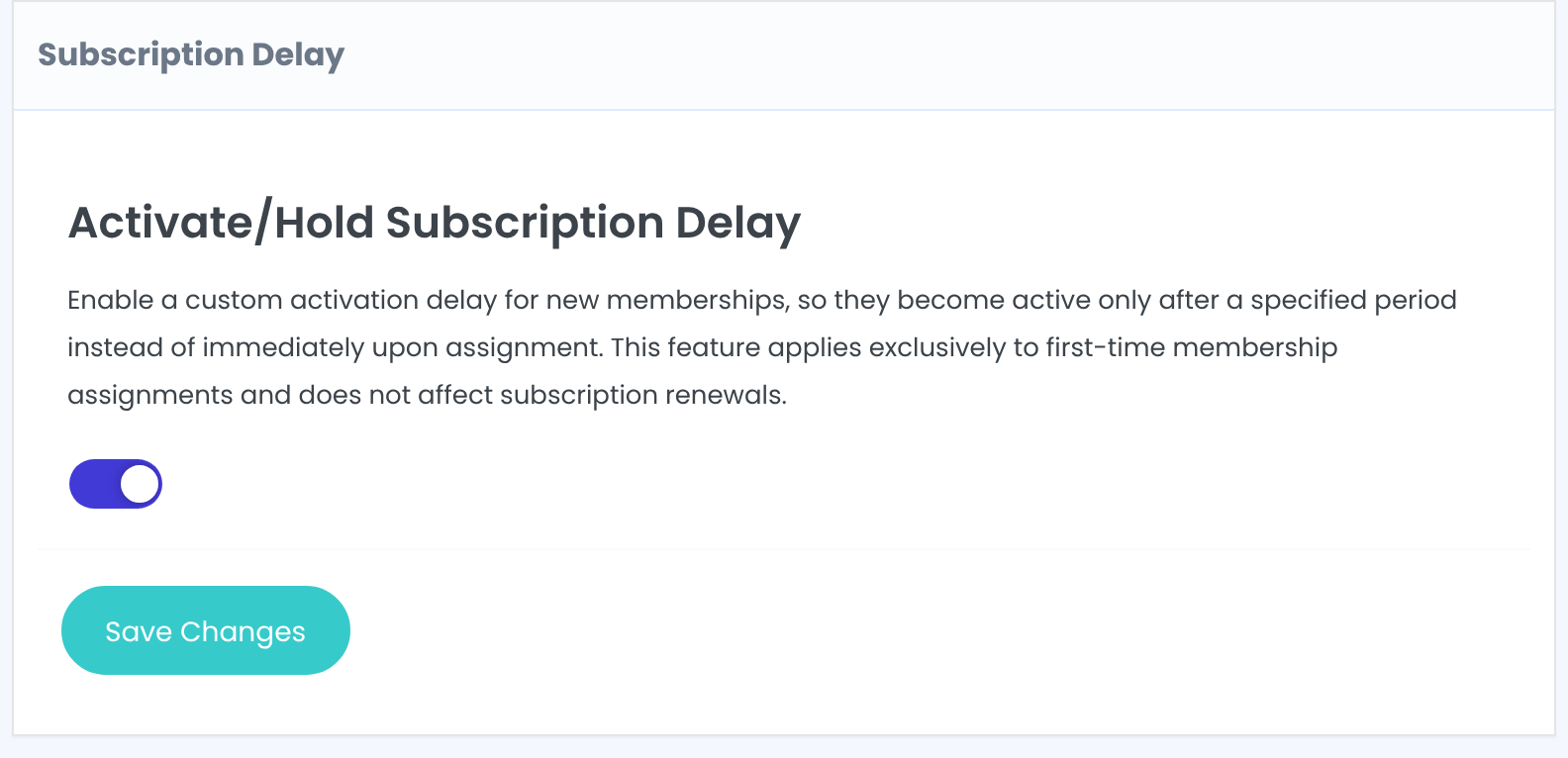
Set the delay per Membership
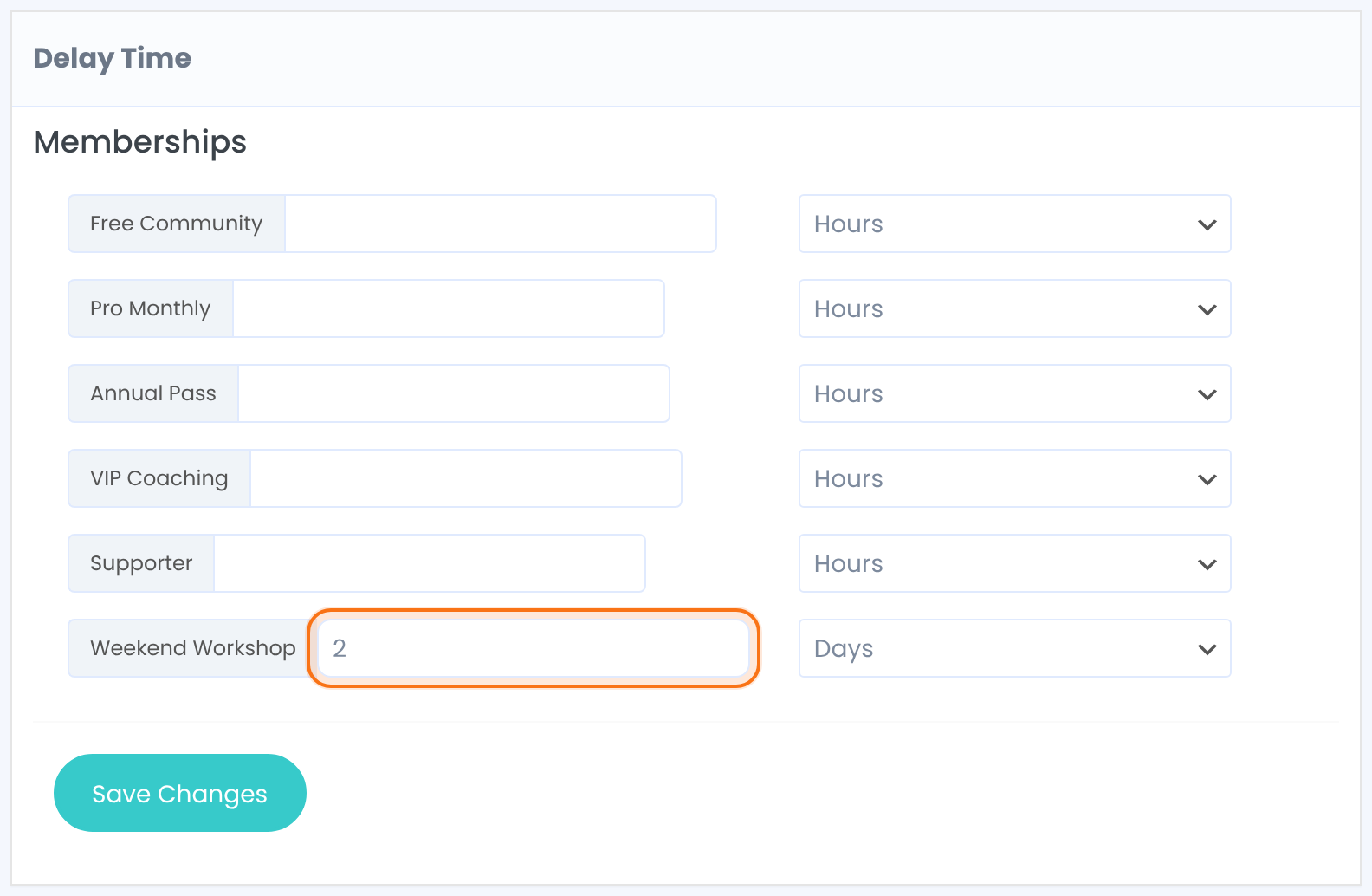
A number and a unit, Hours or Days, next to each Membership. Leave it empty for Memberships that should start at once.
Default: Empty (no delay)
Click Save Changes.
How the delay works
The delay applies when a member gets the Membership for the first time. Renewals, and buying the same Membership again, aren’t delayed.
Until the delay is over the member has no access through this Membership, and no Membership card for it.
Memberships with fixed start and end dates aren’t delayed; they start on their own date.
The delay counts toward the access period
- The end date is still counted from when the Membership is assigned. A 30-day Membership with a 2-day delay gives 28 days of access. Add the delay to the Membership’s length if members should get the full period.
Example: workshop replays that open after booking
- Access Type
- Limited Time, 30 Days
- Delay Time
- 2 Days
- Access
- From day 3 to day 30
Troubleshooting
A member bought the Membership but has no access
If the Membership has a delay, access starts when the delay ends. Check the start date on the member’s Manage Plans screen.
The delay didn’t apply to a renewal
That’s expected: the module only delays first-time assignments.
Can I delay a Membership by hours in Ultimate Membership Pro?
Yes. In the Subscription Delay module, enter the number next to the Membership and choose Hours instead of Days.


