
In Ultimate Membership Pro, the Redirect Back add-on remembers the restricted page a visitor tried to open and sends them back to it right after they log in or register, instead of to your standard After Login or After Registration page. Members land exactly where they were headed, so a link to a members-only page or lesson just works.
This guide switches the add-on on, shows the path a visitor takes and lists when the add-on applies.
Before you start
- The Redirect Back add-on is installed and active. It’s a Pro add-on, included in the Full Package and Agency plans. See Install a Pro add-on.
- Your license is active. See Find and activate your license key.
- At least one page is restricted with Redirect the Page and a Redirect to target such as your login page. See Restrict your first page.
Switch on Redirect Back
- Go to Ultimate Membership Pro›Modules and open Redirect Back (in Members & Registration).
- Switch on Activate/Hold Redirect Back Integration and click Save Changes.
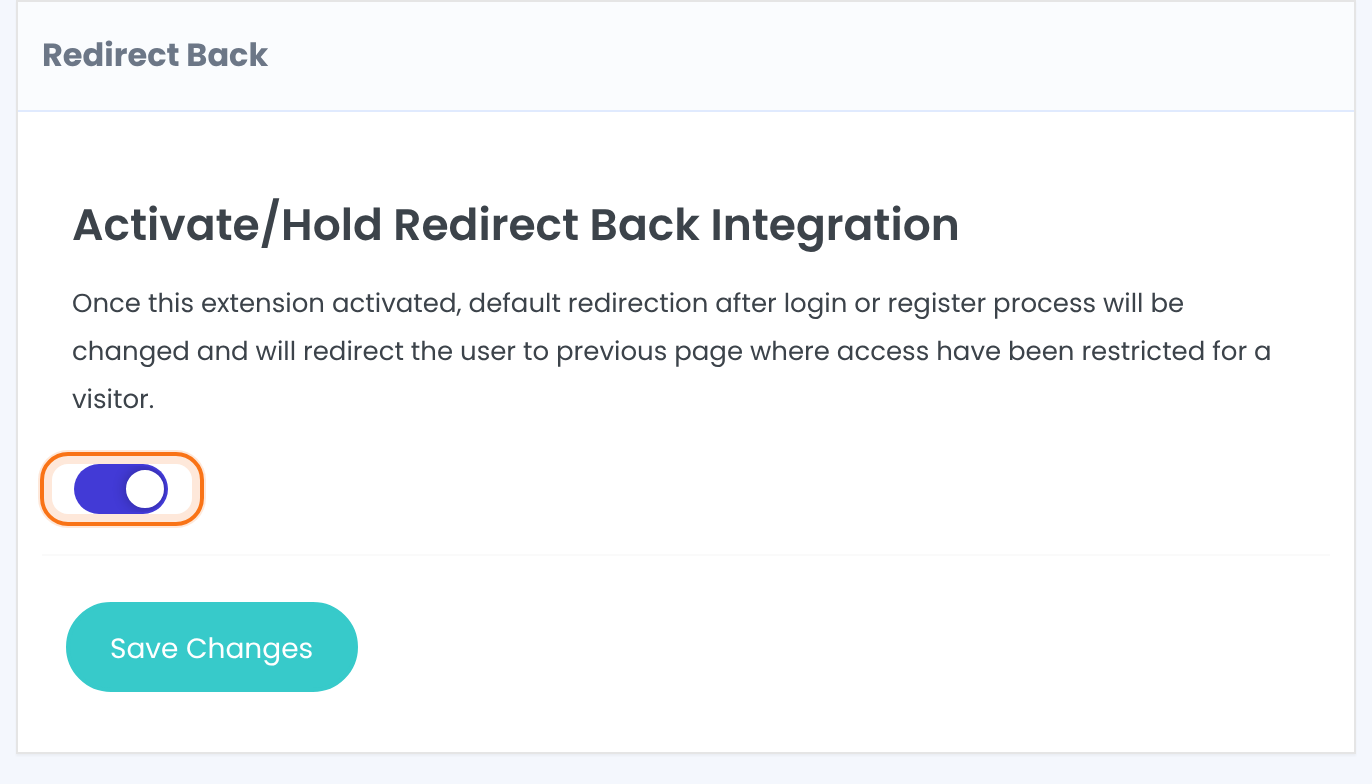
Turns the add-on on. After a login or a registration, the visitor goes to the restricted page they were sent away from.
Default: Off
What visitors experience
There’s nothing more to set up. Take a page that only Pro Monthly members can open, with its restriction set to redirect to the login page:
- A visitor who isn’t logged in opens the page, for example from a link in an email.
- The restriction sends them to your login page. The add-on remembers the page they wanted for 24 hours.
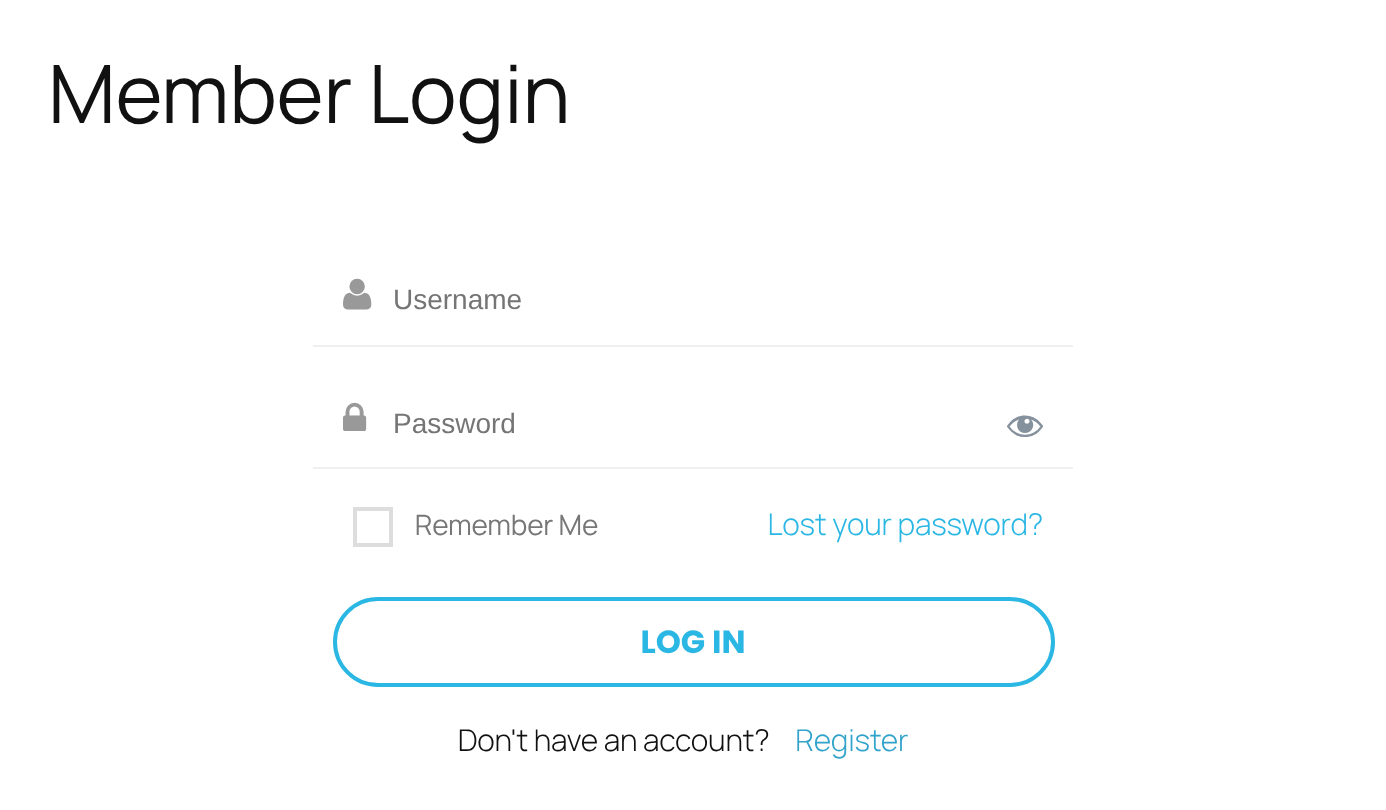
- They log in with a Membership that allows the page, such as Pro Monthly.
- Instead of the After Login page, they arrive on the page they first tried to open.
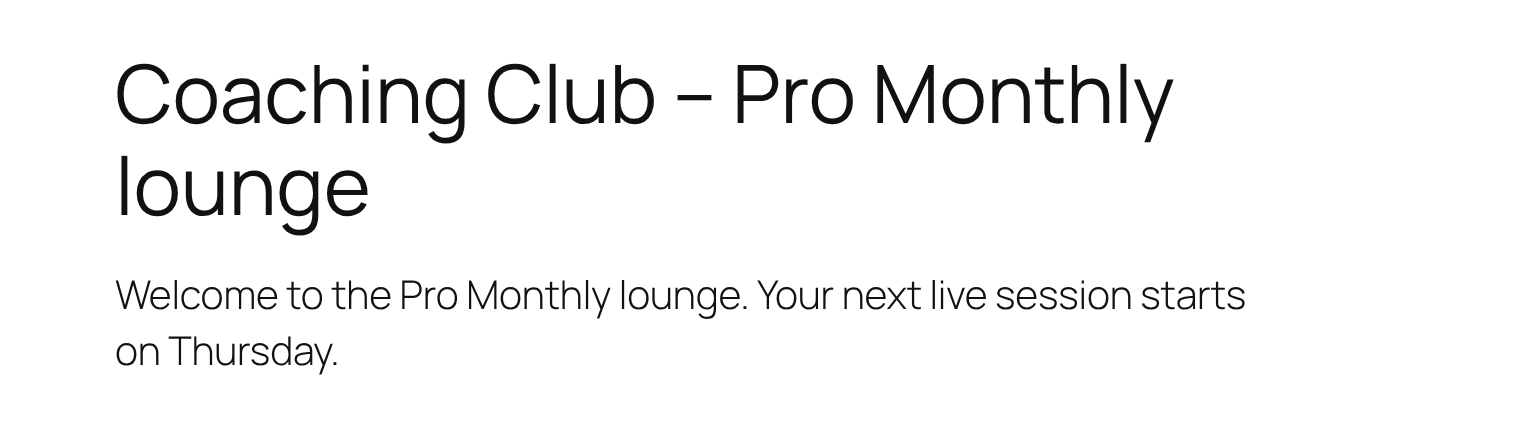
The same applies to registration: a new member who is logged in right after registering goes to the remembered page instead of the After Registration page. Members who still have to verify their email, or who wait for approval, aren’t logged in, so they follow your standard registration redirect. Both standard pages are set under Ultimate Membership Pro›Settings›Pages Setup. See Redirect members after login and Redirect members after registration.
When Redirect Back takes effect
- It works when a visitor who isn’t logged in is sent away from a page by a restriction set to Redirect the Page, or by an Access Rule that redirects. See Restrict content with Access Rules.
- It doesn’t work with restrictions set to Replace the Content. The visitor stays on the page and sees the message there, so there is no page to send them back to.
- Several restricted pages: if the visitor tries more than one restricted page before logging in, they go back to the last one.
- Access is still checked: the member sees the page only if one of their Memberships allows it. If not, the page’s restriction applies as usual.
Example: links to the Pro Monthly lounge
- Activate/Hold Redirect Back Integration
- On
- Page
- Pro Monthly lounge, shown only to Pro Monthly members
- If access is not allowed
- Redirect the Page, to Member Login
- After Login
- Member Portal, used when the member didn’t come from a restricted page
Learn more about Redirect Back
- Redirect Back add-on page: what it does, at a glance.
- All Pro add-ons for Ultimate Membership Pro.
- Ultimate Membership Pro plans: Pro add-ons come with the Full Package and Agency plans.
- How browser cookies work (MDN).
Troubleshooting
Members still land on the Member Portal after logging in. Why?
They probably opened the login page directly, so no restricted page was remembered. The add-on also needs the page restriction to be set to Redirect the Page, a browser that accepts cookies, and a visit that happened within the last 24 hours.
Does Redirect Back work when a page replaces its content with a message?
No page is remembered in that case. With Replace the Content the message is shown on the page itself, so no redirect takes place.
Does a new member go to the restricted page after registering?
Yes, when the member is logged in right after registering. Members who must verify their email or wait for approval use your standard After Registration page.
How do I send members back to the page they tried to open after they log in?
Switch on Activate/Hold Redirect Back Integration under Ultimate Membership Pro › Modules › Redirect Back and save. Visitors sent to your login page by a Redirect the Page restriction then return to that page after logging in.


