
In Ultimate Membership Pro, the MailPoet Integration add-on saves your members as subscribers in the lists of the MailPoet newsletter plugin on your site. Each Membership can have its own list, and members are taken off that list when the Membership ends, so your MailPoet newsletters reach the right people.
On the Modules screen the add-on’s card is named MailPoet V3. This guide switches the add-on on, chooses the Default List and a list for each Membership, and shows when members are added and removed.
Before you start
- The MailPoet Integration add-on is installed and active. It’s a Pro add-on, included in the Full Package and Agency plans. See Install a Pro add-on.
- Your license is active. See Find and activate your license key.
- The MailPoet newsletter plugin is installed and active on the same site, with at least one list.
- Your web server has the PDO, PDO_MYSQL, XML and ZIP PHP extensions, which MailPoet needs. If one is missing, the add-on screen shows a warning that says so.
- Your Memberships exist. See Create your first Membership.
What it adds to the built-in Opt-In
The Opt-In module of Ultimate Membership Pro already has a Wysija option, the former name of MailPoet: one list, filled when a member registers. See Collect newsletter subscribers (Opt-In). The add-on works with the Membership a person holds as well.
Opt-In with Wysija (built in)
- List
- One list for everyone
- Added
- When a new member registers
- Removed
- Never
MailPoet Integration (add-on)
- List
- A Default List, plus a different list for each Membership
- Added
- When a new member registers (as an Opt-In service) and each time a Membership is activated
- Removed
- Unsubscribed from the list when a Membership ends; from the lists of their Memberships when the account is deleted
Switch on the add-on
- Go to Ultimate Membership Pro›Modules and open the MailPoet V3 card.
- Switch on Activate/Hold MailPoet V3 Integration and click Save Changes.
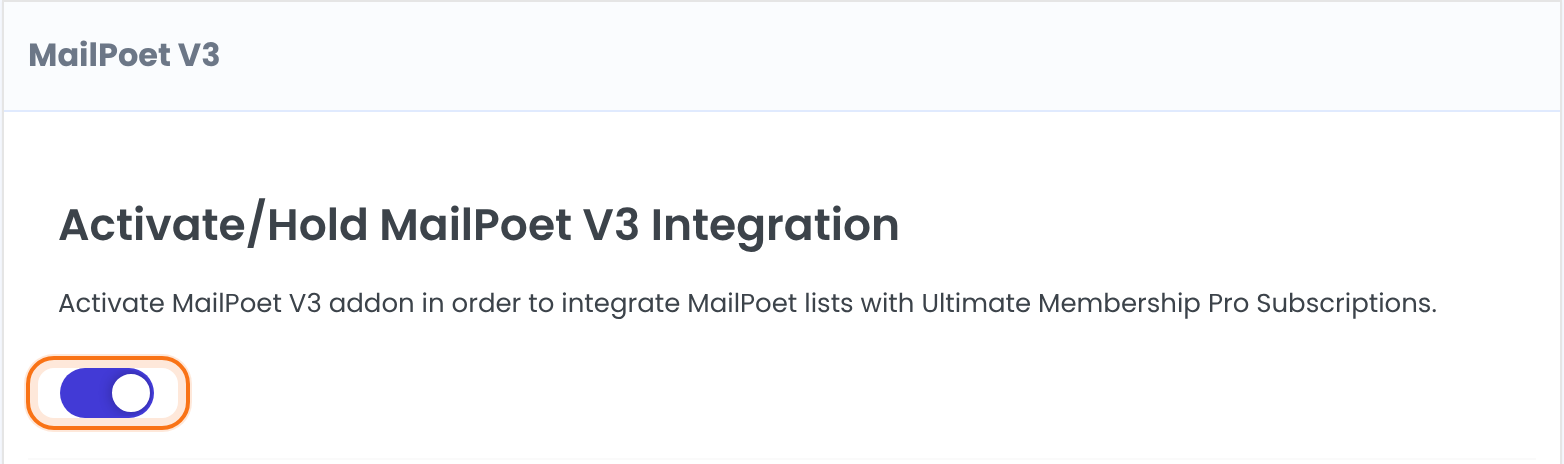
Integrates MailPoet lists with your Memberships.
Default: Off
Choose the Default List
The lists come straight from the MailPoet plugin on your site; there is nothing to connect or refresh. Create new lists in MailPoet first, then reopen this screen.
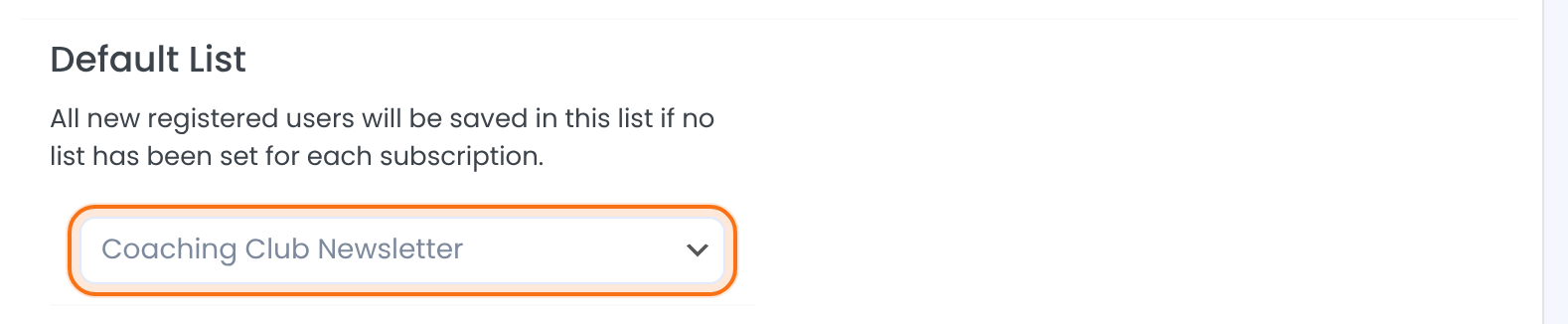
Members are saved in this list when a Membership has no list of its own, and when they register with MailPoet V3 chosen as the Opt-In service.
Choose a list for each Membership
Under List assigned based on subscription there is one select per Membership. Pick a list for each Membership that should have its own, then click Save Changes.
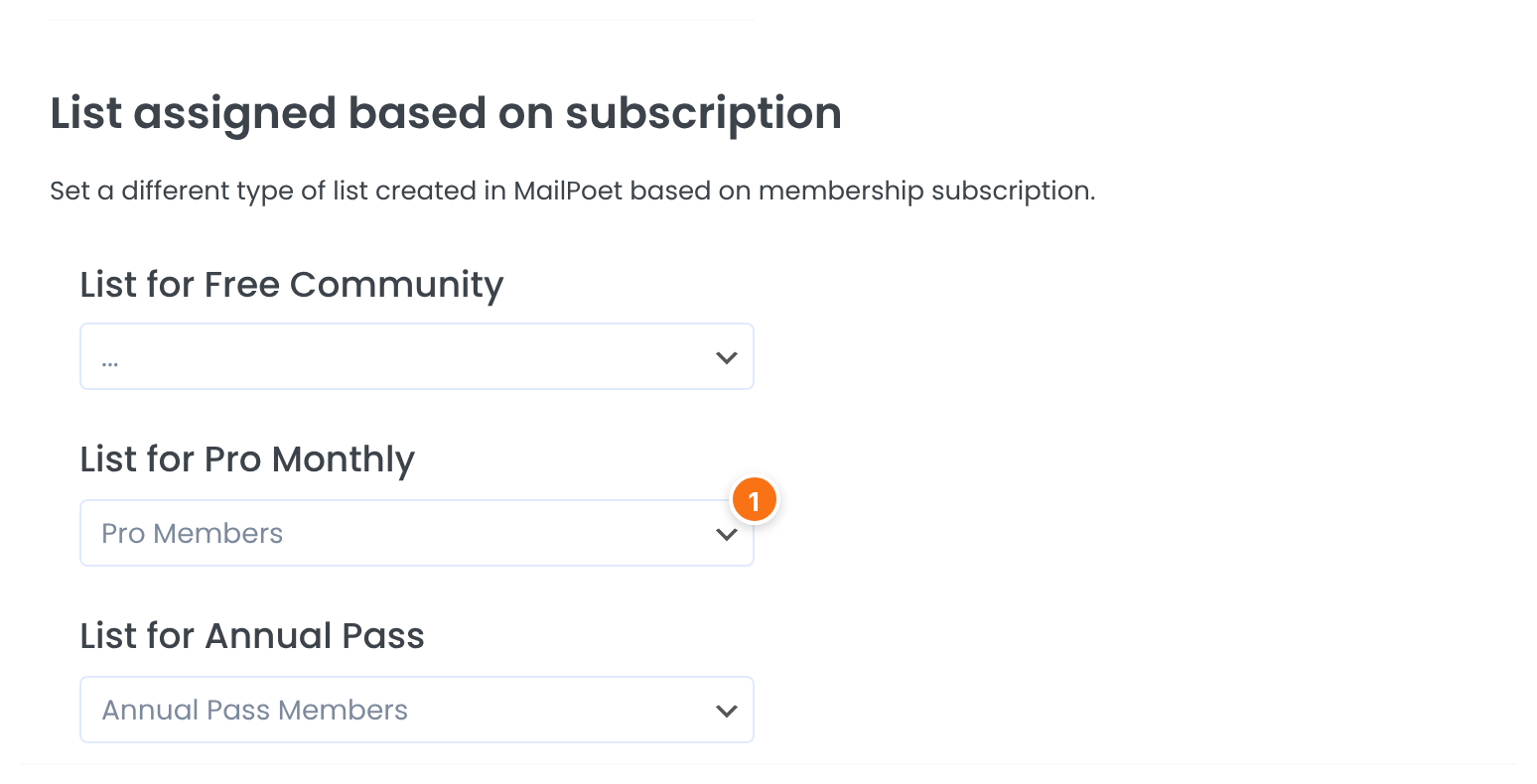
The list that members of this Membership are saved in. Leave “…” to use the Default List.
Add new sign-ups to the Default List
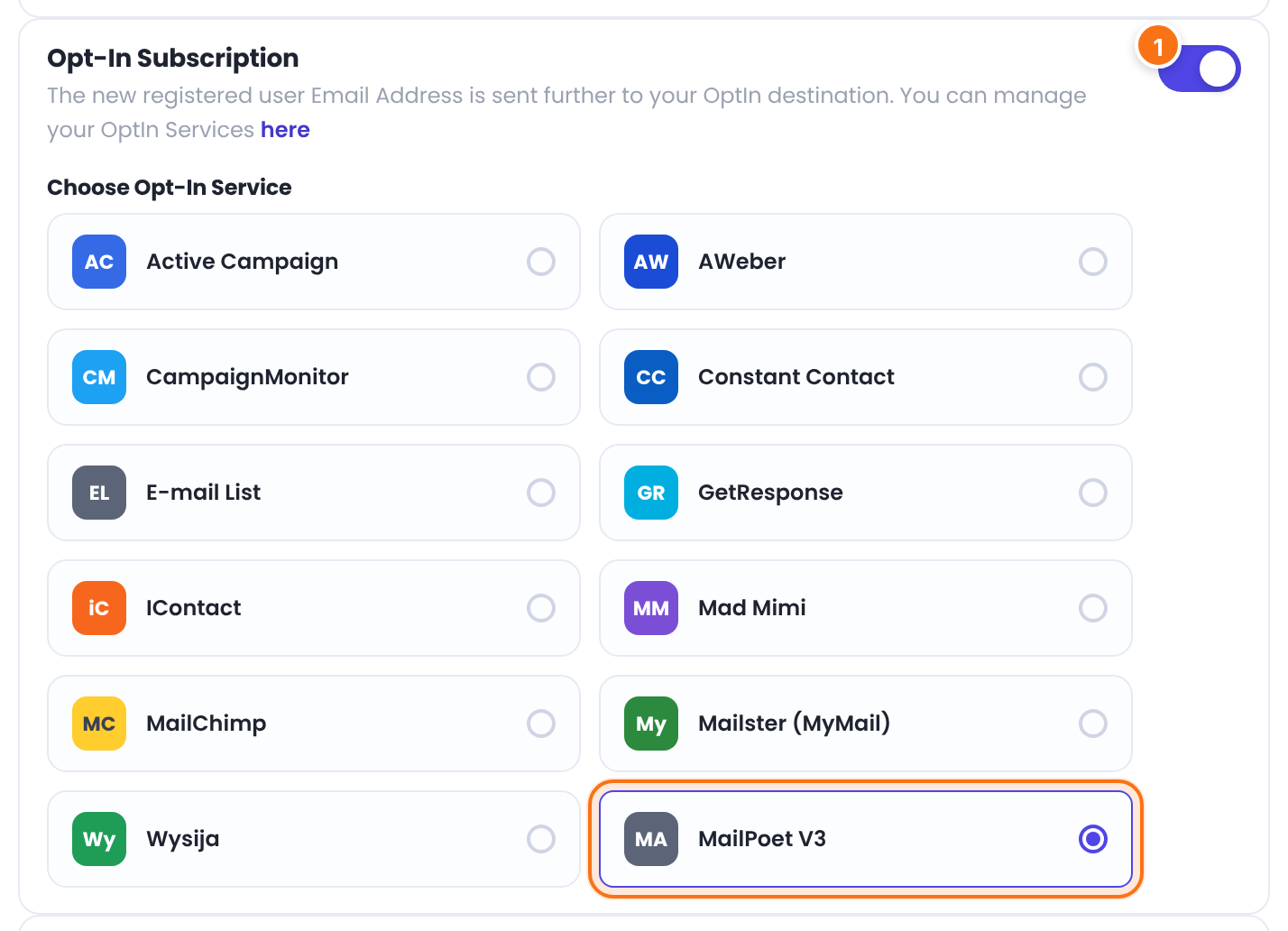
With the add-on on, MailPoet V3 appears in the list of Opt-In services. Choose it to send every new registration to the Default List.
- Go to Ultimate Membership Pro›Registration Form.
- Switch on Opt-In Subscription, click MailPoet V3 under Choose Opt-In Service and click Save Changes.
When members are added and removed
The member is saved in the Default List with their email address, first name and last name.
The member is saved in the list of that Membership, or in the Default List when it has none. A person who already is a MailPoet subscriber is subscribed to the list; otherwise a new subscriber is created.
The member is unsubscribed from the list of that Membership, or from the Default List when it has none. The subscriber stays in MailPoet.
The member is unsubscribed from the lists of their Memberships and from the Default List.
Good to know
- Removal when a Membership expires runs together with the daily email notification check, so keep at least one notification for expired subscriptions (to the member or to the admin) in your Email Notifications. See Set up email notifications.
- A Membership without its own list uses the Default List for adding and for removing. If members can hold several Memberships, give each one a list of its own.
- Members are saved only from the moment the add-on is on. Existing members are not copied.
Example: a list for each paid plan
- Activate/Hold MailPoet V3 Integration
- On
- Default List
- Coaching Club Newsletter
- List for Free Community
- …
- List for Pro Monthly
- Pro Members
- List for Annual Pass
- Annual Pass Members
- Opt-In Subscription
- On, MailPoet V3
Learn more about MailPoet Integration
- MailPoet Integration add-on page: what it does, at a glance.
- All Pro add-ons for Ultimate Membership Pro.
- Ultimate Membership Pro plans: Pro add-ons come with the Full Package and Agency plans.
- Creating a list in MailPoet.
Troubleshooting
The lists show only “…”. Why?
The lists are read from the MailPoet plugin. Check that MailPoet is installed and active on this site and that it has at least one list, then reopen the screen. If a warning about PHP extensions is shown, ask your host to enable PDO, PDO_MYSQL, XML and ZIP.
What does “MailPoet requires the following PHP extensions” mean?
MailPoet needs the PDO, PDO_MYSQL, XML and ZIP extensions on your web server. The add-on shows this message when one of them isn’t loaded. Your host can enable them.
Why isn’t a new member saved in my list?
Check that the add-on switch is on and saved, that MailPoet is active, and that a list is chosen: the one for the Membership or the Default List. For members who only register, MailPoet V3 must also be chosen under Choose Opt-In Service.
How do I send a newsletter only to members of one Membership in Ultimate Membership Pro?
Give that Membership its own list under List assigned based on subscription, then send your MailPoet newsletter to that list.


