
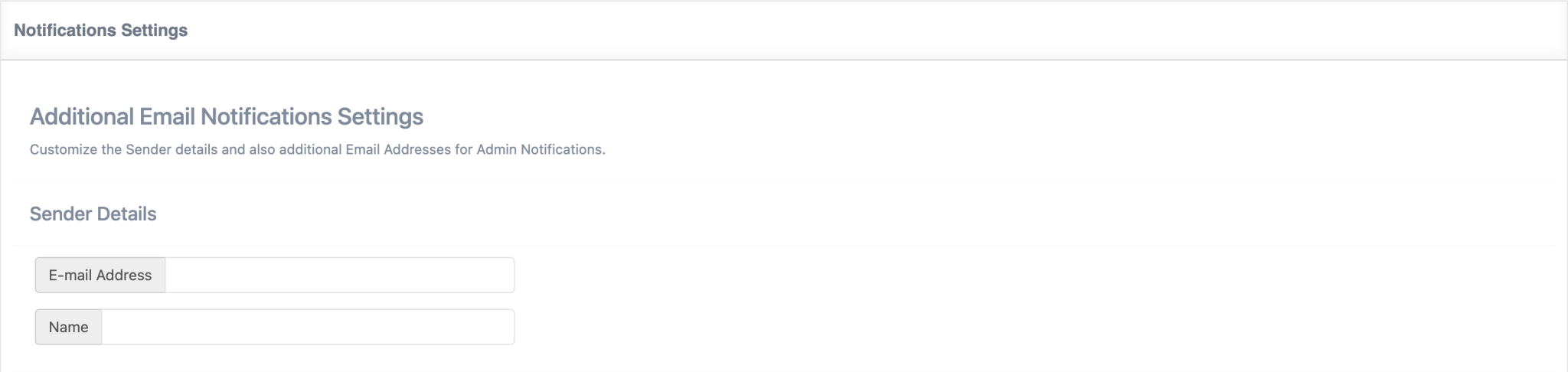
In order to change the sender’s email address, you are going to need to go to the Ultimate Membership Pro Dashboard > General Options > Notifications Settings. Under Sender Details, you can customize the sender’s email and name.
In order to change the sender’s email address, you are going to need to go to the Ultimate Membership Pro Dashboard > General Options > Notifications Settings. Under Sender Details, you can customize the sender’s email and name.


