
The Social Login module provides the opportunity for your customers to log in with a social account only after they’ve registered in your WP system and linked their WP account to a social account.
Users can link their social account even from the register step, by doing this some fields will be automatically completed with data acquired from their social account.Even after the register step, a user can sync multiple social accounts by going to their profile page, under the social plus tab.To provide these options you need to pass through a few steps:Go to UMP Dashboard -> Social Login page.
- Complete the requested settings and credentials for each social network by following the instructions provided for each one.
- Activate that Social Network by switching it On.
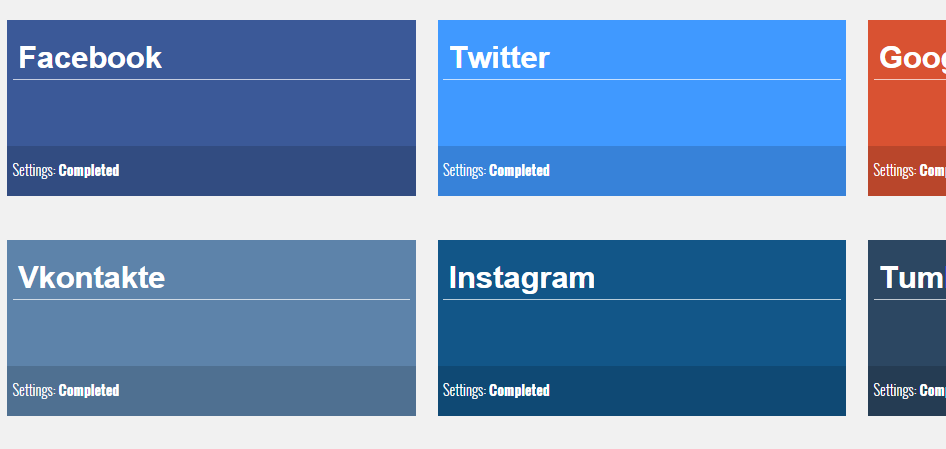
The activated social networks will be colored on the main page.
Go to UMP Dashboard -> Showcases -> Register Form -> Custom Fields page.
Activate the special field ihc_social_media by checking where you want this field to appear.

Go to UMP Dashboard -> Showcases -> Login Form page
Activate the “Show Social Media Login Buttons” option.If a user tries to log in using his social account without having a WP account registered and linked to that social account, he will not be able to log in.


