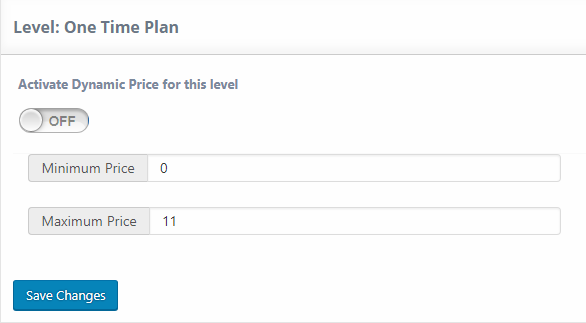
This option can be activated by going to UMP Dashboard -> Extensions -> Level Dynamic Price. This option mimics “donations” by letting the client decide how much to pay for a certain level.
You can activate Dynamic Price for each level individually and determine the Minimum and Maximum Price. If for example you set 0 for the minimum and 15 for the maximum, this means the user can type 0 and get this level for free, and they can’t “donate” more than 15$.