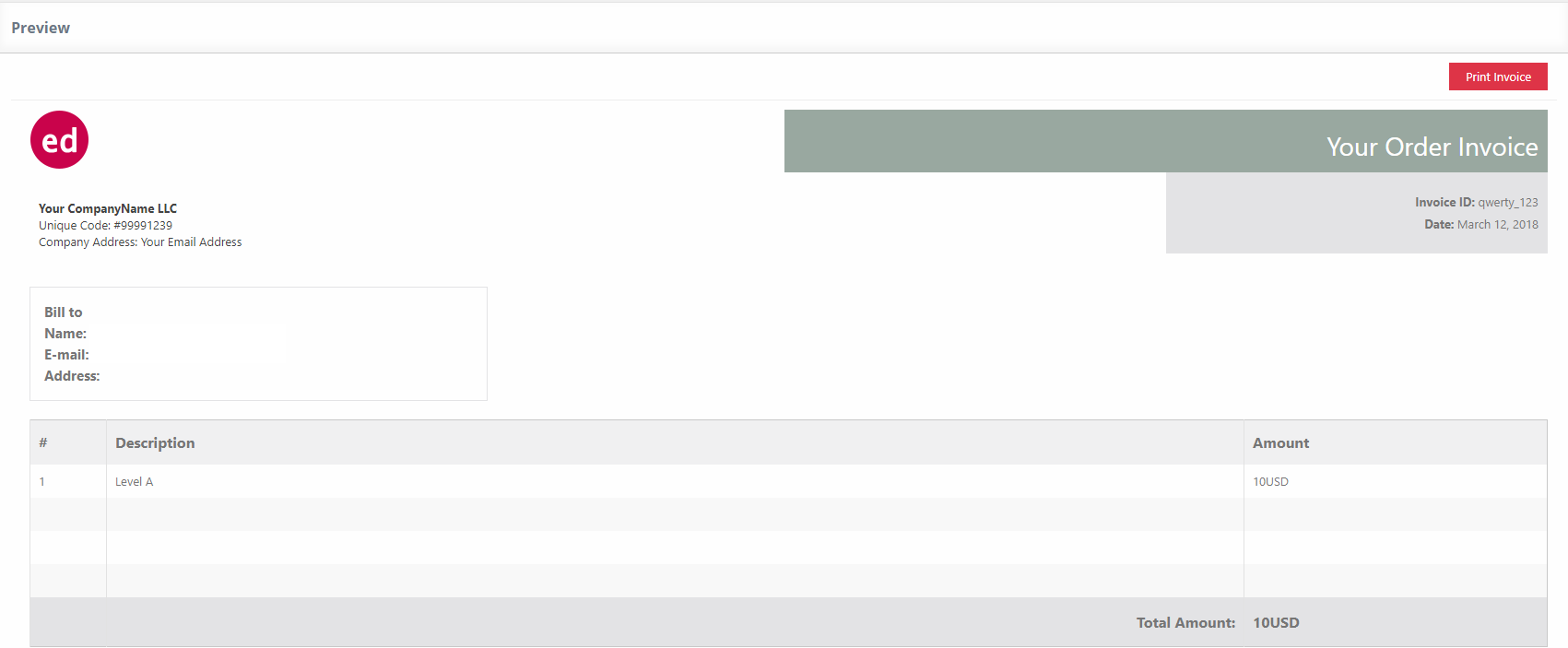
This feature provides printable invoices for each order in the user’s account page or in the system dashboard. To activate this option please go to UMP Dashboard -> Extensions -> Order Invoices.
Here you can choose the template, invoice logo and title. Additionally, you can edit the Company Field, Bill to and Footer Invoice Info fields. Make sure to use the shortcodes found in the right-hand side of the page.
At the bottom of the page under the Save Changes button, you have a preview to see how your invoice will look like.