
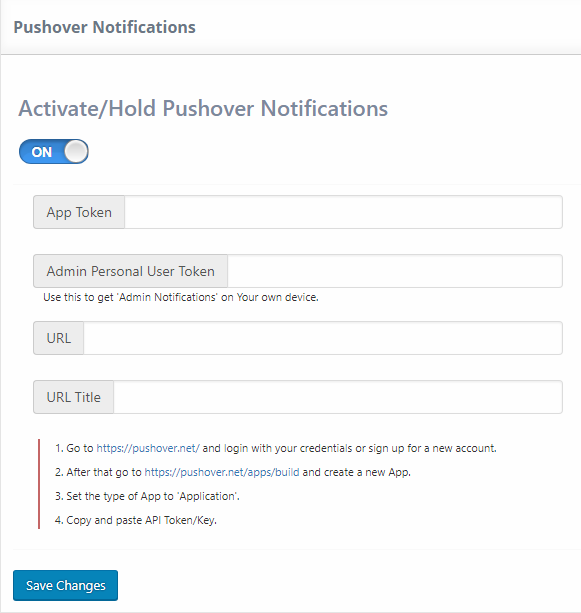
To activate this option, please go to UMP Dashboard -> Extensions -> Pushover Notifications.
After following the instructions found here and entering the required data: App Token, Admin Personal User Token, URL and URL Title, turn on the magic feature and Save Changes.
After this, we will navigate to the Notifications Tab. Here we will have a new column called Mobile Notifications.
When creating / editing a new notification we will have a new section called Pushover Notification.
You can decide which notification has the pushover feature enabled, and also enter a Pushover Message.
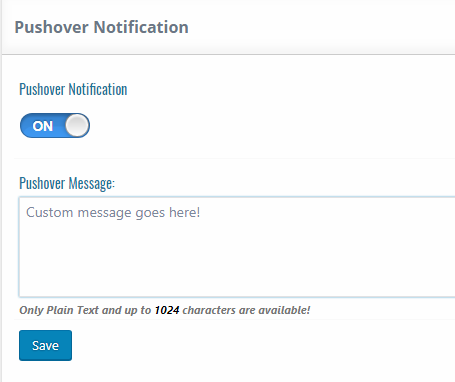
Only Plain Text and up to 1024 characters are available!


